














Verify Your PaysafeCard Account with a Temporary Phone Number from Smspva
PaysafeCard is a prepaid payment method for paying at participating online stores with a 16-digit PIN or, where available, through a PaysafeCard account. If PaysafeCard asks you to confirm your phone number, Smspva can provide a number for receiving the SMS code for your own account. Choose the required country and enter the number only on the official PaysafeCard website or app. Try it outWhat Is PaysafeCard?

PaysafeCard is a prepaid voucher payment method. You can purchase a country-specific PIN from an authorised sales outlet or, in supported regions, online, then select PaysafeCard at a participating merchant’s checkout. Depending on your region and the merchant, you may pay with the 16-digit PIN or with your PaysafeCard account credentials.
Why a Phone Number May Be Needed
Phone verification can help protect a PaysafeCard account and confirm that you control the contact details attached to it. Use a number only for an account you own or are authorised to manage.
- Account registration — a phone number may be requested while creating or updating an account.
- Security confirmation — an SMS code may be used to confirm a sign-in or account action.
- Country selection — select a number from the country requested by PaysafeCard.
- Privacy for one-time verification — a temporary number can keep a personal number separate when the service accepts it.
How to Receive a PaysafeCard Verification SMS with Smspva
Use these steps only when PaysafeCard permits phone verification with the selected number type.
-
1
Open the official PaysafeCard page
Start registration, sign in to your own account, or open the security step that requests a phone number. Check that you are on the official PaysafeCard domain before entering any information.
-
2
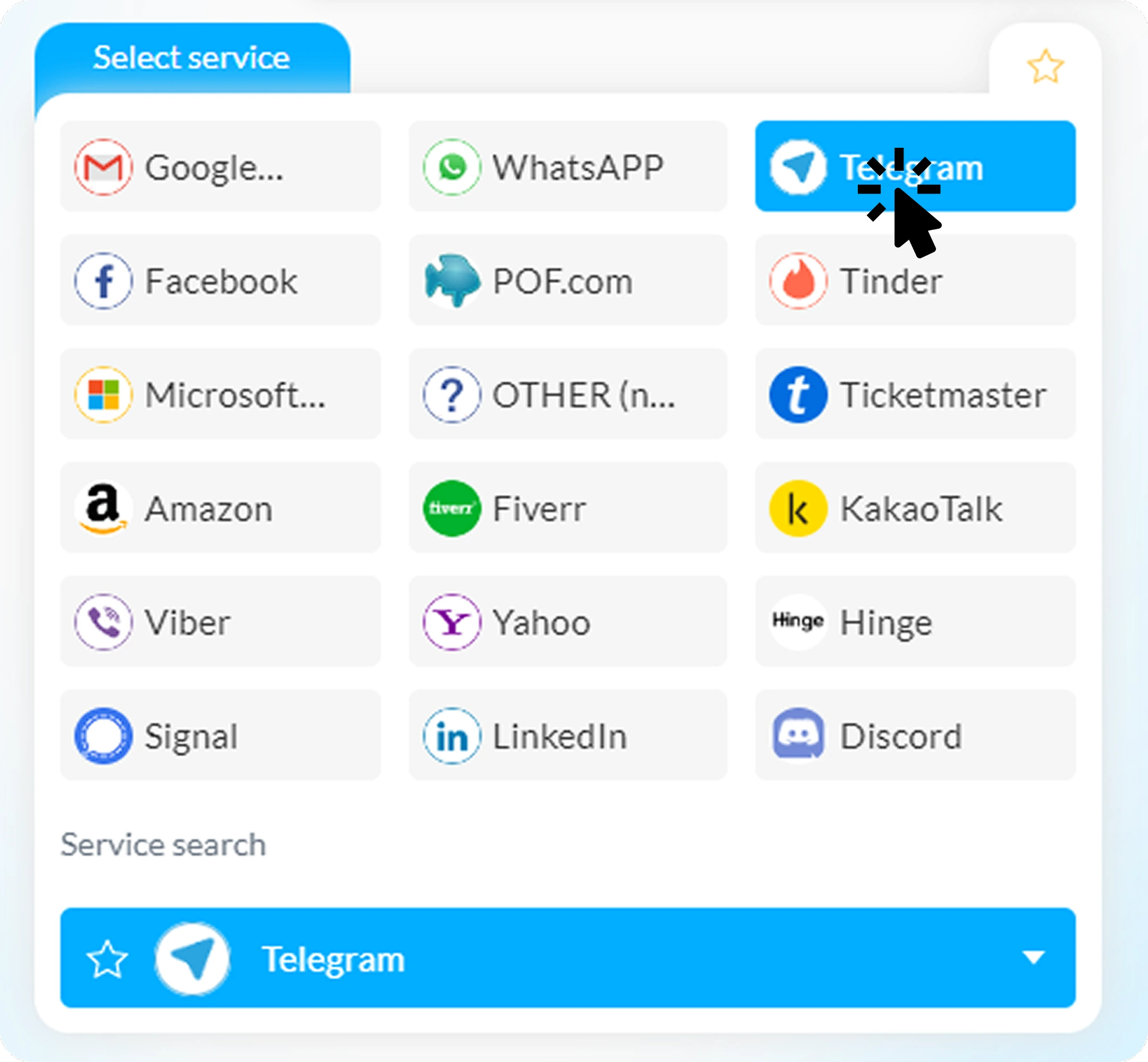
Choose PaysafeCard on Smspva
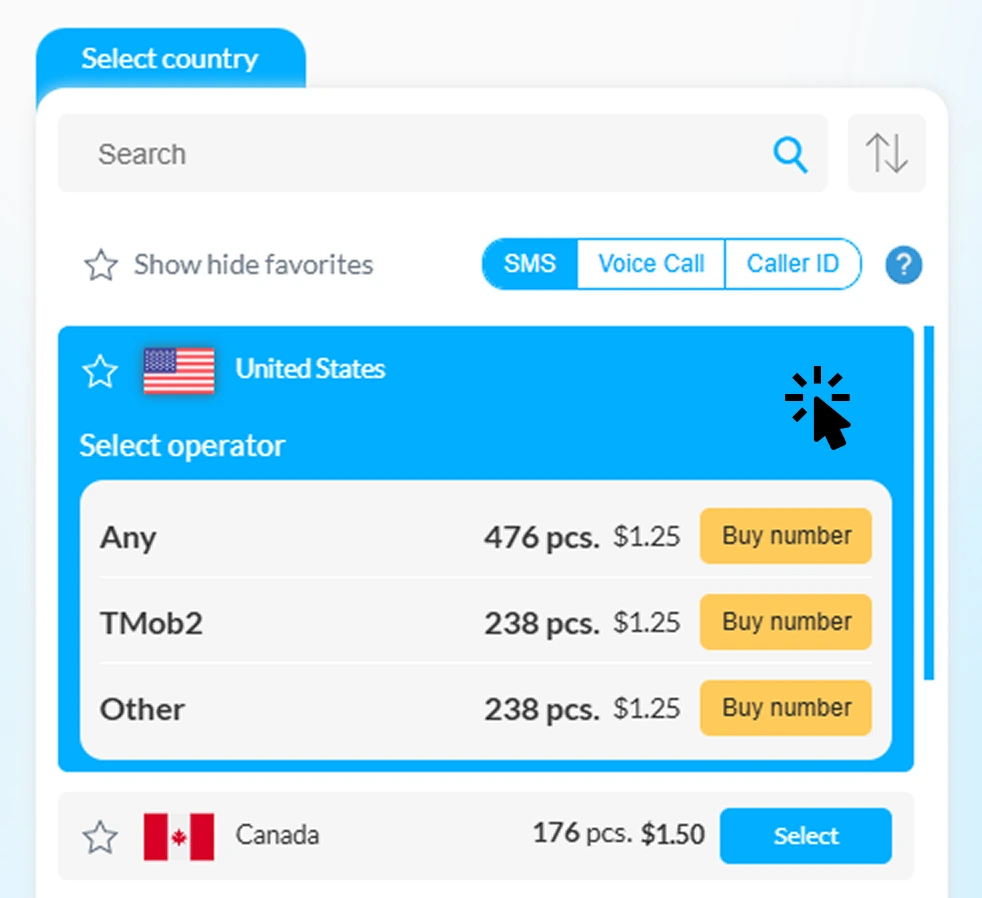
Sign in to Smspva, select the PaysafeCard service, then choose the country and operator that match the requirement shown by PaysafeCard.
-
3
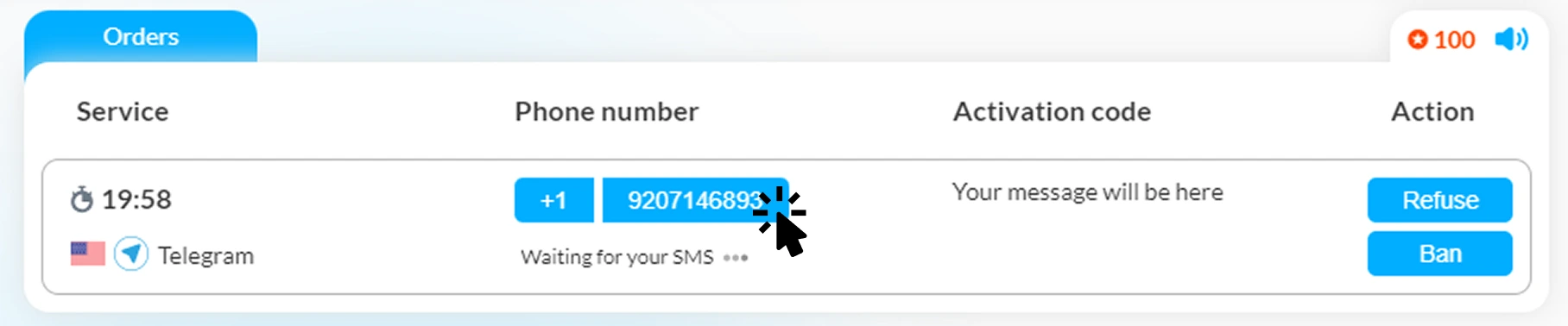
Enter the number and request the code
Copy the issued number into the PaysafeCard form exactly as requested, including the country code. Then request the verification SMS once.
-
4
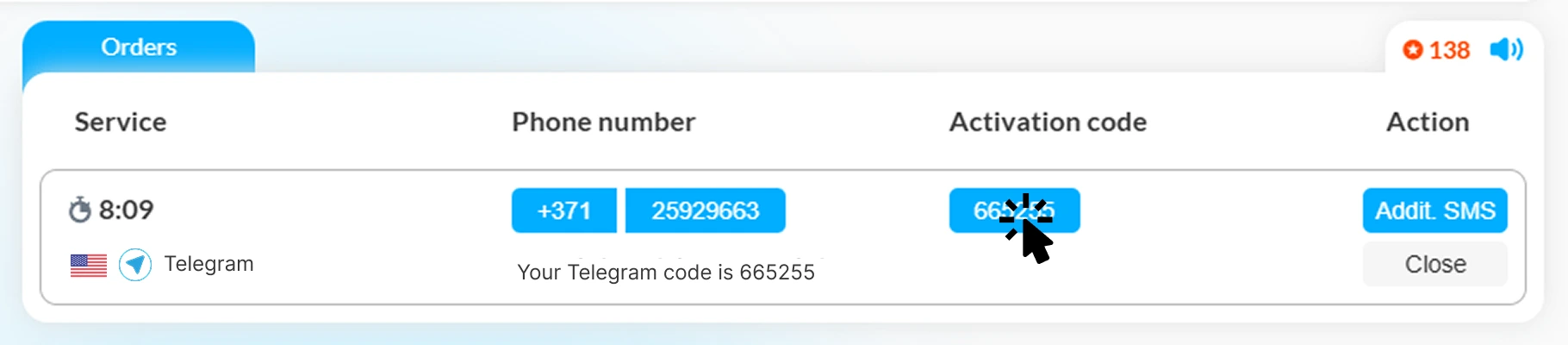
Read and enter the SMS code
When a message arrives in your Smspva order, copy the code into the PaysafeCard form to complete the requested verification. Never share a code, PIN, password, or account credentials with anyone.
Important PaysafeCard Safety Notes
- Treat the 16-digit PIN like cash. Do not send it in chat, email, or screenshots, and do not enter it on a website you do not trust.
- Use official channels. Buy PINs only from authorised outlets or official PaysafeCard options available in your country.
- Country rules apply. PIN availability, payment methods, account features, limits, fees, and verification requirements vary by country.
- Use a supported number. A service can reject some number types; Smspva cannot override PaysafeCard’s security checks or eligibility rules.
Verify Your Own PaysafeCard Account Responsibly
Select a suitable country and receive an SMS code in your Smspva dashboard when the official PaysafeCard flow accepts the number. Always follow PaysafeCard’s terms, local requirements, and security guidance.
Register on Smspva | Top up your balance
Frequently Asked Questions
What is PaysafeCard used for?
PaysafeCard is a prepaid payment method for participating online stores. The usual payment method uses a 16-digit PIN, while account-based payment options are available in some regions.
Can I use a temporary number for PaysafeCard?
Only if PaysafeCard accepts the selected number for the particular verification flow. Requirements can differ by country and account status; a temporary number does not bypass any verification or compliance requirement.
Why has my verification SMS not arrived?
Delivery can depend on the country, operator, number type, and PaysafeCard’s own checks. Confirm that the country code is correct, wait briefly, and avoid repeated requests. If the number is rejected, choose another option or contact PaysafeCard support.
Does a PaysafeCard PIN expire?
Rules and fees vary by region. PaysafeCard states that fees may apply after a period of inactivity, so check the current terms and fees for the country where your PIN was purchased.
How can I protect my PaysafeCard PIN?
Keep the PIN private and enter it only at a trusted participating merchant or official PaysafeCard page. No legitimate support agent should ask you to disclose a PIN, password, or SMS code through an unsolicited message.
Use Smspva for legitimate verification of accounts you own, and keep your PaysafeCard PIN and security codes private.












Receive SMS Anywhere
Get activation codes through:
-
Website
Use it in browser -
Android App
Fast and convenient -
Telegram Bot
Right in chat