

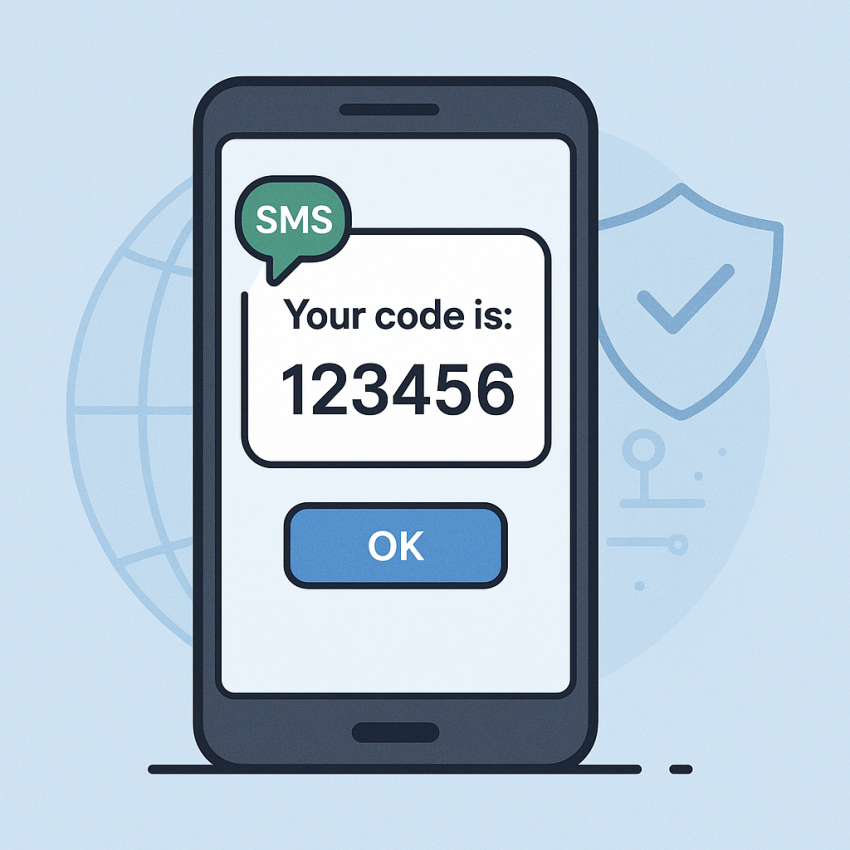

What is 2FA and how SMS verification improves security
The concept behind What is 2FA and how SMS verification improves security is simple: you combine something you know with something you possess. Two-factor authentication (2FA) adds a second verification step, and SMS verification is one common method used to deliver that extra layer. To learn more, explore reliable sources like Google Safety or the overview on Two-factor authentication on Wikipedia. For practical testing, many services offer SMS-based verification and temporary numbers from providers like WhatsApp.
Why use 2FA and SMS verification?
2FA strengthens security by requiring a second factor in addition to your password. With SMS verification, a one-time code is sent to a registered phone number and must be entered to complete the login. This approach reduces the risk of credential theft, phishing, or password reuse. While not flawless, it provides a practical balance between usability and protection for many everyday accounts. If you’re curious about how it works in practice, you can read more about SMS-based verification on trusted security resources and see real-world implementations.
For quick testing or onboarding, you can explore the virtual-phone-number service on SMSPVA, which demonstrates how SMS codes arrive to a device. As an additional reference, see the dedicated article about OTP security on SMSPVA blog.
How to implement 2FA with SMS verification
- Choose a service that supports SMS-based 2FA and has clear security settings in the account preferences.
- Open the account’s security settings and enable two-factor authentication, selecting SMS verification as the second factor.
- Confirm your phone number by entering the verification code you receive via text message.
- Keep backup verification options (backup codes or an alternative method) in a secure place.
- Test the setup by signing out and signing back in to ensure the SMS code is correctly required.
For a practical look at the service, visit the main virtual-phone-number service page. As a more detailed SEO reference, you can also check the slug-specific page virtual-phone-number for virtual phone number in global.
Table: SMS-based 2FA vs alternatives
| Method | Pros | Cons | Best Use |
|---|---|---|---|
| SMS-based 2FA | Easy to set up; works on most accounts | Vulnerable to SIM swap; depends on mobile network | General accounts and scenarios where simplicity matters |
| Authenticator apps (TOTP) | Offline codes; higher resistance to SIM swapping | Requires periodic code generation | Better protection for sensitive services |
| Hardware keys | Strongest protection; phishing resistant | Cost and logistics; needs USB/Bluetooth/NFC | High-security accounts and corporate use |
Safe and legal use
Use 2FA and SMS verification responsibly and legally. Do not use someone else’s phone number without permission, respect privacy and data protection laws in your country, and comply with service terms. Always store backup codes securely and avoid sharing verification codes with others. For general safety tips, refer to trusted security resources and official guidance from major platforms.
FAQ
What is 2FA?
Two-factor authentication (2FA) requires two forms of verification to access an account—typically something you know (password) and something you have (a one-time code sent by SMS or generated by an app).
How does SMS verification work as 2FA?
After entering your password, a one-time code is delivered via SMS to your registered phone number. Entering that code completes the second factor and grants access.
Is SMS-based 2FA secure?
SMS-based 2FA improves security over passwords alone but can be vulnerable to SIM-swapping, interception, or number porting. For higher security, consider authenticator apps (TOTP) or hardware keys.
Can I use SMS verification for all services?
Many services support SMS 2FA, but some prefer or require stronger options like authenticator apps or hardware keys for top-tier protection. Always check the available 2FA methods in a service’s security settings.
How do I enable 2FA with SMS verification?
Go to the security/settings area of your account, choose SMS verification or SMS-based 2FA, and follow the prompts to verify your phone number.
What if I miss the verification code?
Use backup codes if provided, request a new code, or switch to an alternative verification method if your account offers it.