

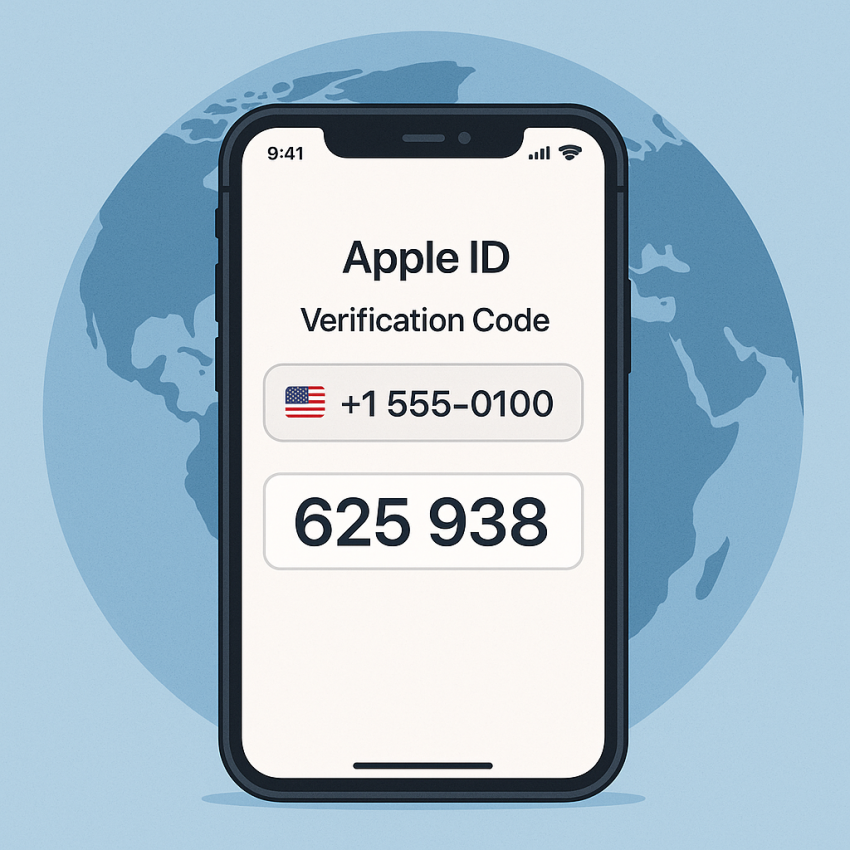
 Global
Apple ID
OTP
Global
Apple ID
OTP
How to get a virtual phone number for Apple ID verification
How to get a virtual phone number for Apple ID verification is a common question for users who want to protect privacy while signing into Apple accounts. A temporary number can help receive verification codes without exposing your personal line. In this guide from SMSPVA, you’ll learn safe, compliant ways to verify Apple ID with a virtual number.
TL;DR
- Use a trusted virtual number provider to receive Apple ID verification codes.
- Follow Apple’s terms and avoid numbers tied to your primary device for long-term use.
- Test different verification flows to ensure reliability while staying compliant.
Why use a virtual number for Apple ID verification
Using a virtual number can improve privacy and reduce exposure of your personal phone in online sign-ups. It’s a practical approach for temporary verification, fraud reduction, and easier account recovery when you travel or change devices. For trusted options, visit the official service page at Apple ID verification numbers.
For broader context on digital verification tools, you may also explore Wikipedia or check security guidance from Google Security.
How to get a virtual phone number for Apple ID verification
- Choose a reputable provider that supports Apple ID verification, such as SMSPVA.
- Select a country or global option if available; some flows allow direct number provisioning for Apple-related verifications.
- Complete the sign-up and choose a temporary virtual number for verification messages.
- Use the number to receive the verification code from Apple during sign-in or account setup.
- After verification, clear the number from the Apple account settings if required and monitor for any unexpected messages.
Comparison and troubleshooting
| Aspect | Virtual number | Personal number |
|---|---|---|
| Privacy | High privacy with disposable numbers | Lower privacy; permanent link to you |
| Cost | Low to moderate; per-use or subscription | Typically free if already linked |
| Reliability | Depends on provider; ensure trusted service | Most reliable from your own line |
| Use-case | OTP for verification | Everyday calls and messages |
Safe and legal use
Always use virtual numbers in a compliant way. Do not misuse numbers to bypass security controls or terms of service. Virtual numbers should be used for legitimate verification flows and promptly discarded when no longer needed. See this guide in conjunction with official Apple support resources.
FAQ
Can I use a virtual number for Apple ID verification?
Yes, many users verify Apple IDs with virtual numbers. However, Apple may limit or block numbers if used repeatedly or found to violate terms.
Is it legal to use virtual numbers for verification?
Legal in most jurisdictions when used for legitimate verification. Always follow the provider’s terms and Apple’s policies.
Will I receive the Apple ID code reliably?
Reliability depends on the provider and the number chosen. Use reputable services and monitor for delays.
Do I need to keep the virtual number after verification?
Typically not, but some users keep a temporary number for backup verification. Remove it when no longer needed.
What should I do if Apple blocks the number?
Try a different number, check provider status, and ensure you’re compliant with Apple’s terms. Contact support if needed.
Where can I learn more about virtual numbers?
Visit trusted sources and the SMSPVA blog for tutorials and best practices on using virtual numbers for verification.