

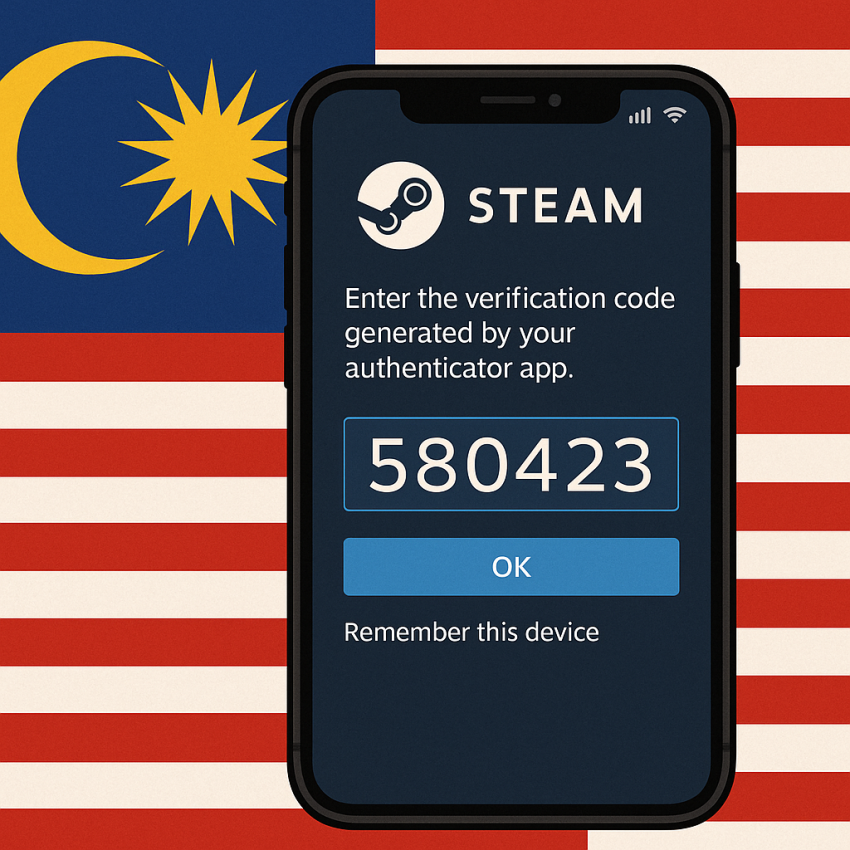

Steam Account Verification with Malaysian Rented Numbers
Steam account verification using Malaysian rented numbers is a practical option for users seeking quick, private, and reliable verification without exposing personal phones. This guide explains how to use Malaysian rented numbers for Steam verification, highlights safety considerations, and shows how SMSPVA can help you streamline the process. The focus here is on a safe and compliant workflow that keeps your accounts protected while reducing friction during signup and login. Steam account verification using Malaysian rented numbers is a growing approach for temporary verifications, especially when you need multiple verifications across devices or regions.
TL;DR
If you need quick Steam verifications, Malaysian rented numbers can help. Use a reputable provider, follow the safety steps, and keep logs of your verifications. Always prioritize safety and legality, and use official channels for any sensitive actions on Steam.
Why use Malaysia-based rented numbers for Steam verification
The Malaysia-based rented numbers option allows you to keep your personal number private while completing Steam account verification. This approach can reduce exposure to SIM swap risks, help manage multiple Steam accounts, and simplify testing or development workflows that require SMS-based verification. When choosing a provider, ensure the service supports timely delivery of codes and transparent privacy practices. Remember to respect Steam’s terms of service and only use rental numbers for legitimate verification activities.
How to use Malaysian rented numbers for Steam verification
- Open Steam and start the account verification flow on the device you want to verify.
- Select the option to receive a verification code by SMS and choose Malaysia as the country if prompted.
- Rent a temporary Malaysian number from a trusted provider such as SMSPVA (service: steam, country: malaysia). Ensure the number is suitable for OTP delivery and not already tied to another account.
- Enter the rented Malaysian number into Steam and request the verification code. Wait for the SMS with the OTP.
- Enter the OTP in Steam to complete the verification. If a timeout occurs, refresh the request and re-check the number status.
- Document the verification reference for audit purposes and complete any additional setup in Steam (e.g., two-factor authentication, device trusted list).
For alternative options, you can explore other rental numbers, for example, a virtual-phone-number for Steam in Malaysia. This can be helpful if you need flexibility across devices and time zones.
Troubleshooting and quick comparison
| Scenario | Possible Cause | Resolution |
|---|---|---|
| OTP not arriving | Number rejected or SMS blocked | Try another Malaysian number or verify provider support for OTP routing. |
| Code expires | Delay in SMS delivery | Request a new code and ensure device time is correct. |
| Steam prompts for another verification | Multiple verifications on same account | Wait and reuse the same verified device; avoid rapid repeats. |
| Privacy concerns | Public or shared device | Use trusted devices and clear logs after completion. |
Safe and legal use
Always use rented numbers for legitimate purposes and in accordance with Steam’s terms of service. Do not use rented numbers for impersonation or fraud. Keep records of verifications and respect privacy laws in your jurisdiction. If you are unsure about compliance, consult local regulations or seek guidance from the provider.
FAQ
A1: It is a process where a temporary Malaysian phone number is used to receive a Steam verification code (OTP) during account setup or recovery, helping protect your personal number.
A2: When performed with reputable providers and for legitimate purposes, it can be safe. Avoid sharing sensitive information and use trusted services that protect privacy and offer reliable OTP delivery.
A3: Choose a provider like SMSPVA, select Steam as the service and Malaysia as the country, then rent a number for OTP reception and verification.
A4: It depends on the provider and Steam’s policies. Some services allow reuse for short-term tasks, but some verifications may require fresh numbers per session.
A5: Check the number status, ensure there are no delays, and consider requesting a new code. If problems persist, contact the provider’s support and Steam’s help center.
A6: Yes, you can use other country numbers or virtual numbers offered by reputable providers, depending on your verification needs and Steam requirements.