

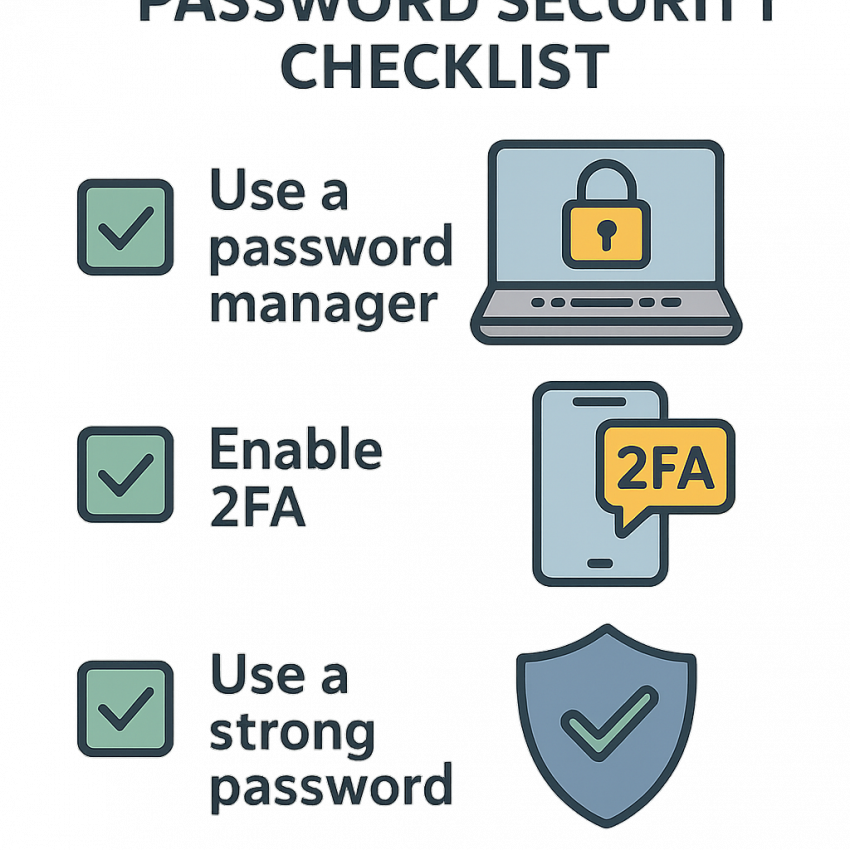

Password Security Checklist for Everyday Users
TL;DR
- Use long, unique passwords for all accounts.
- Enable two-factor authentication (2FA) wherever possible.
- Prefer a password manager to store and autofill credentials securely.
- Be vigilant for phishing and don’t share passwords.
- Regularly review breached sites and change compromised passwords.
Why use a password security checklist?
Password security checklist for everyday users helps reduce online risk by turning best practices into repeatable habits. A checklist helps protect sensitive data, keep your online identities safer, and minimize the impact of compromised credentials.
For additional security tips, see reliable resources on Wikipedia or Google Safety.
How to implement the password security checklist
- Choose long, unique base passwords or passphrases. Aim for at least 12–16 characters mixing letters, numbers, and symbols.
- Use a reputable password manager to generate and store complex passwords. This reduces the temptation to reuse passwords across sites.
- Enable two-factor authentication (2FA) on all accounts that offer it, preferably using an authenticator app or hardware key.
- Avoid password reuse. If a site is breached, you’ll need to update only those affected passwords.
- Regularly audit your accounts for unusual activity and check if your data has been exposed in breaches (use trusted breach alerts).
- Keep devices and apps updated to patch security vulnerabilities that could expose your passwords.
- Be cautious of phishing attempts that try to steal your passwords; never enter credentials on suspicious pages.
Comparison and troubleshooting
| Aspect | Traditional Passwords | Password Managers | Best Practice |
|---|---|---|---|
| Security | Higher risk if reused | Strong random passwords, encrypted storage | Unique, long passwords for each site |
| Convenience | Low | High | Balanced |
| Maintenance | Manual updates | Centralized management | Regular audits |
Safe and legal use
Use this checklist to protect your personal data and comply with applicable laws. Do not attempt to access accounts you don’t own and never share credentials. For legitimate password generation, you can try this password generator: Generate Password.
For app-specific guidance on secure messaging apps, see WhatsApp security tips at WhatsApp Security.
FAQ
What is a strong password?
A strong password is long (12–16+ characters), unique for each site, and includes a mix of upper and lower-case letters, numbers, and symbols. Consider passphrases for memorability.
Should I use a password manager?
Yes. Password managers generate and store complex passwords, reducing reuse and simplifying login across services. Choose a reputable solution with strong encryption.
What about two-factor authentication?
2FA adds an extra verification step. Prefer authenticator apps or hardware keys over SMS-based codes.
How often should I change passwords?
Change passwords after a breach or if you notice suspicious activity. For most services, ongoing unique, long passwords reduce need for frequent changes.
How can I check if my data was breached?
Use trusted breach alerts and services to monitor exposed credentials. If a site is compromised, update those passwords immediately.
Are password generators safe?
Yes, when using reputable tools from established providers. Always ensure the site uses HTTPS and avoids exposing generated passwords in insecure environments.