

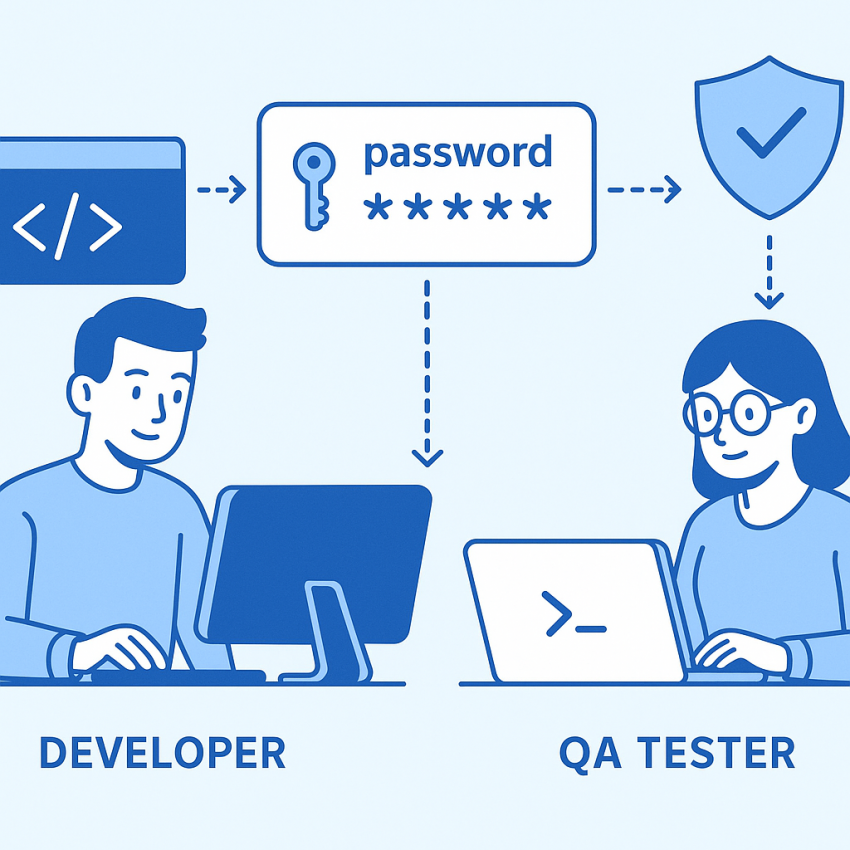

Using Password Generators for Developers and QA Testing
Using password generators for developers and QA testing can significantly speed up test cycles, reduce human error, and improve security hygiene across environments. This approach helps teams generate strong, unique passwords for test accounts, service integrations, and automated workflows without reusing credentials. Read on to learn how to implement password generators effectively and safely.
For a practical starting point, you can explore our dedicated password generation service at https://smspva.com/service/generate-password/country/US, and see how it fits into your testing pipelines. You can also visit our blog post on password generation for deeper insights and examples.
Why use password generators
There are several compelling reasons to adopt password generators in development and QA workflows:
- Consistent password length and complexity across test environments.
- Elimination of password reuse, which reduces security risks during testing.
- Faster setup of test accounts and automated test suites.
- Better adherence to security policies when generating credentials on demand.
To see the broader landscape of security tools, you can consult Google Security for best practices on handling credentials and access control.
How to use password generators in practice
- Define password policy for tests (length, character sets, expiry).
- Configure your test harness or CI pipeline to request a password from the generator before creating test accounts.
- Store derived credentials securely and rotate them after tests complete.
- Audit generated passwords to ensure they meet policy requirements (avoid obvious patterns).
- Document usage in your QA guidelines and train team members on safe handling.
Comparison table: manual vs automated password generation
| Method | Pros | Cons |
|---|---|---|
| Manual password creation | Full control, simple for one-off tests | Slow, risk of reuse, error-prone |
| Automated password generation | Strong passwords, consistent policy, fast | Requires integration and storage policy |
| Password managers in CI | Centralized secrets, rotation | Complex setup, secrets exposure risks |
Safe and legal use
Always ensure passwords used in testing are isolated from production data and never leaked to unauthorized personnel. Use test accounts and sandbox environments when possible, and follow your organization’s security policies. If you need more testing features, see our virtual-phone-number for generate-password in United States integration guide and related resources.
For additional guidance, consider reading about password practices on Wikipedia and keep an eye on updates from trusted security sources such as Google Security.
How to integrate into your workflow
- Choose a generator that supports your required password policy.
- Expose an API in your test framework to request a password when creating accounts.
- Store credentials securely in your test runners with proper access controls.
- Automate password rotation after test execution.
FAQ
A password generator is a tool that creates random, complex passwords that meet defined policy requirements (length, character sets, and strength).
Yes, if they follow strong policies (length 12+ chars, mixed cases, digits, symbols) and are rotated after use.
Expose an API or script that your CI jobs can call to obtain a password when provisioning test accounts or services.
Avoid reuse in order to minimize leakage risk. Prefer unique passwords per test account.
Define a QA policy that mirrors production but uses test data and sandboxed environments to prevent cross-environment leakage.
Visit our blog and documentation for examples, plus security references at Google Security.
Use secrets managers, restrict access, and rotate credentials after tests. See guidance at Google Security for best practices.
Related resources: generate-password service and generate-password.html page.