


OnlineSim: SMS Verification on SMSPVA
TL;DR
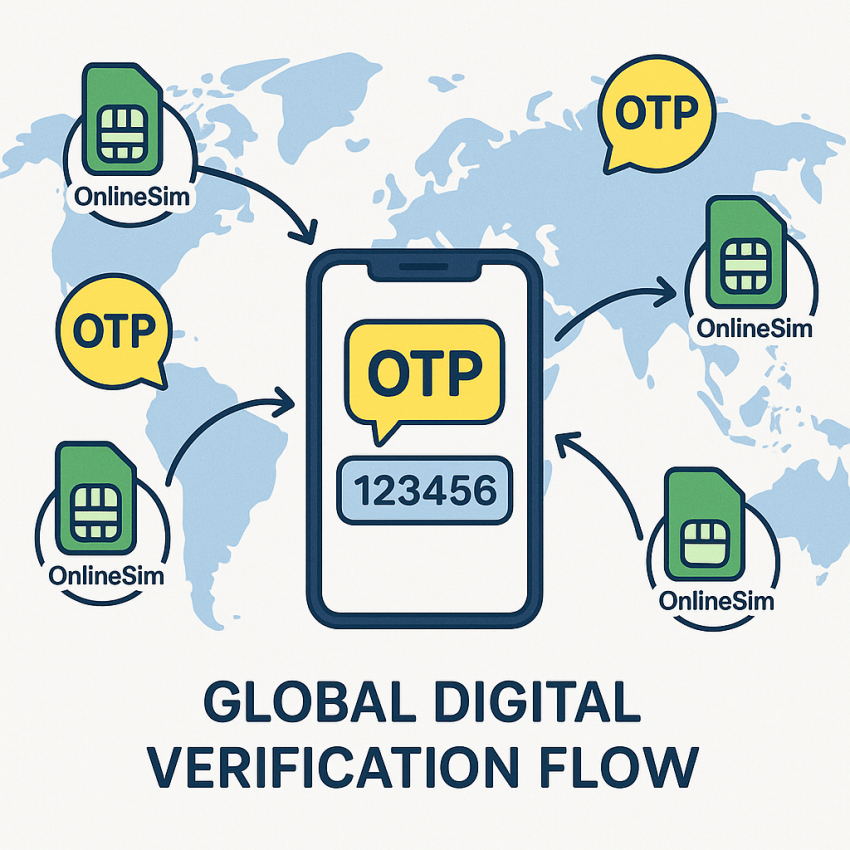
OnlineSim provides virtual numbers for receiving SMS verifications. Paired with SMSPVA, it offers quick access to OTP codes for online accounts while keeping your real number private. The guide below shows how to set up and use OnlineSim safely and legally.
Why use OnlineSim with SMSPVA
OnlineSim is popular for one-off verifications, online signups, and testing flows without exposing your personal numbers. When used through SMSPVA, you gain reliable delivery, logging for troubleshooting, and a wider set of compatible services. To get started with the service for the US, visit the main OnlineSim service page.
For an alternative verification path, you can also explore other options like online-sms for OnlineSim in US to see related use cases and tips. When verifying through any online service, consider checking reputable sources such as WhatsApp for official app information, Google Security tips, and general information on temporary numbers at Wikipedia.
How to use OnlineSim on SMSPVA
- Choose a supported service and region. For OnlineSim in the US, open the main page: OnlineSim service for US.
- Proceed to the virtual number option and initiate the verification request on the target site.
- Enter the OnlineSim number into the verification field and request the OTP. Wait for the code to appear in your dashboard on SMSPVA.
- Enter the OTP on the target site to complete the verification. If you need alternatives, you can explore other options like online-sms for OnlineSim in US for related setups.
Remember to respect the terms of service of the sites you use and avoid any activity that could be considered fraudulent. See more on temporary phone numbers for context.
Comparison & Troubleshooting
| Aspect | OnlineSim via SMSPVA | Tips |
|---|---|---|
| Delivery speed | Fast | Check dashboard if OTP is delayed |
| Reliability | High uptime | Retry with a new number if needed |
| Privacy | Temporary numbers | Use for legitimate verification only |
Safe and legal use
- Only use for legitimate account setup and testing where you have permission.
- Avoid sharing OTPs or codes beyond the intended recipient.
- Comply with local laws and the terms of service of the platforms involved.
- Protect your personal data; never reuse the same number for sensitive accounts.
FAQ
What is OnlineSim and how does it work with SMSPVA?
OnlineSim provides virtual numbers to receive SMS verifications. When combined with SMSPVA, you can manage numbers, view incoming OTPs, and complete verifications without exposing your real phone.
Is OnlineSim safe to use for OTP verification?
Used responsibly, OnlineSim offers a practical option for legitimate verifications. Always follow platform rules and protect your data.
Can I use OnlineSim for multiple verifications?
Yes, you can use multiple numbers, but be mindful of service limits and avoid abusive behavior.
Are there any costs or limits?
Costs vary by service and region. Check the current pricing on the main page and monitor usage to avoid surprises.
What should I do if the OTP doesn’t arrive?
Wait a moment, refresh the page, and retry with a new number if necessary. If problems persist, consult the troubleshooting section on the service page.
How to protect my privacy when using OnlineSim?
Limit exposure of sensitive accounts, use different numbers for different services, and periodically review your activity logs.
Get started with OnlineSim on SMSPVA
Ready to verify accounts quickly while keeping your personal number private? Start now with OnlineSim on SMSPVA and enjoy reliable delivery and helpful support.
Outbound resources: WhatsApp, Google Security, and Temporary phone number (Wikipedia).