

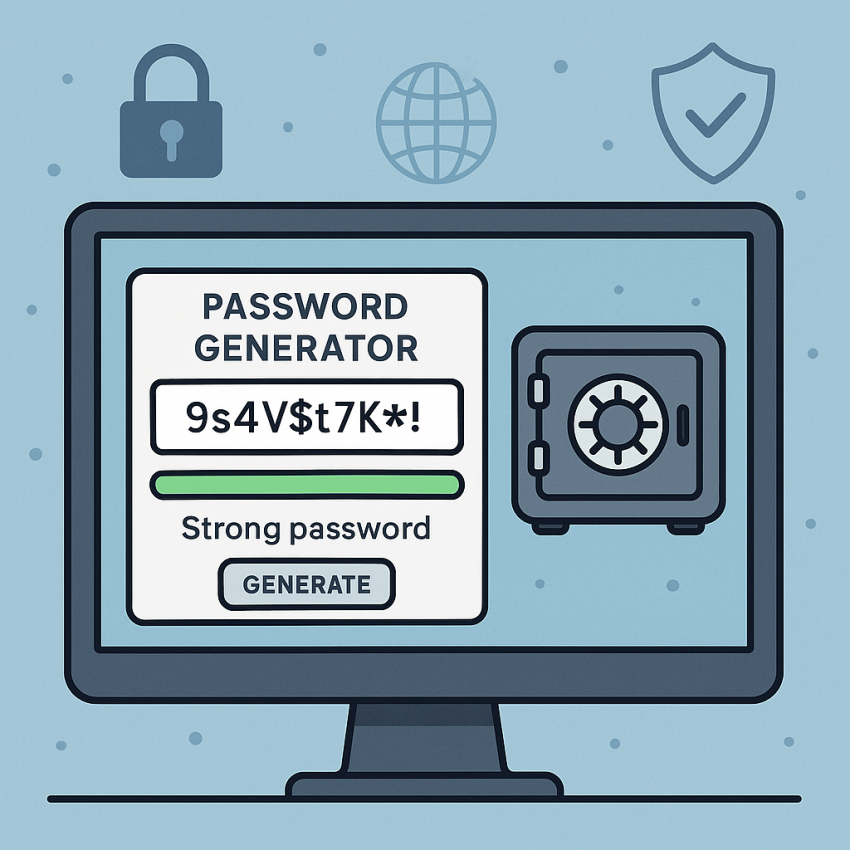

Online password generators vs password managers: key differences
- Online password generators create strong passwords you can use anywhere.
- Password managers securely store and autofill credentials across devices.
- For comprehensive protection, use both: generate strong passwords and keep them in a password manager.
- Always enable two-factor authentication (2FA) where possible.
Why use online password generators vs password managers?
Online password generators vs password managers: key differences determine how you protect your accounts. A password generator helps you create unique, complex strings that are hard to guess. A password manager keeps those strings safe and readily available when you log in from different devices. If you routinely manage dozens of services, combining both tools can streamline security without sacrificing usability. For a practical start, you can try a password generator at this password generator or explore more tips on our infopage.
When you generate passwords, you should consider entropy, length, and character variety. Password managers, in turn, offer encrypted storage, autofill, and cross-device synchronization. The best setup uses a generator to craft unique passwords and a manager to store and autofill them securely.
External references: learn more about password security practices on Wikipedia or review security guidelines from Google Security.
How to use both tools effectively
- Identify services that require strong, unique passwords and generate them with a reputable password generator.
- Store the new passwords in a password manager with a strong master password and MFA enabled.
- Auto-fill should be enabled only on trusted devices; review device list regularly.
- Rotate passwords periodically, starting with high-risk accounts (email, banking, etc.).
- Keep software updated and enable security alerts when a breach is suspected.
Quick comparison
| Feature | Online password generator | Password manager |
|---|---|---|
| Primary purpose | Generate strong passwords | Store, autofill, and manage passwords |
| Storage | Temporary use only | Encrypted, cross-device storage |
| Automation | Manual password creation | Autofill and auto-rotate |
| Security risk | Depends on generator trust | Relies on master password and MFA |
| Best practice | Use each password once | Use strong master password + 2FA |
Safe and legal use
Always use trusted password generators and reputable password managers. Do not paste sensitive credentials into untrusted sites. For privacy, review privacy policies and ensure the tool uses client-side generation or zero-knowledge encryption. If you share tips or samples online, avoid exposing real credentials or recovery phrases. Learn more about data privacy on Wikipedia: Privacy or Google Security.
FAQ
A: A tool that creates random, high-entropy passwords for you to use on different services.
A: A tool that securely stores and autofills passwords, often across devices and browsers.
A: Yes. Generate strong passwords and store them safely in a manager for convenience and protection.
A: Trustworthy generators use client-side generation or strong encryption. Avoid entering sensitive data into untrusted sites.
A: Many offer free plans with essential features; premium plans add advanced options like deeper auditing and sharing controls.
A: Use unique passwords, enable two-factor authentication, and regularly review account activity.
Take action
Get started with a password generator or a password manager today to improve account security. Try the generator here: https://smspva.com/generate-password.html.