

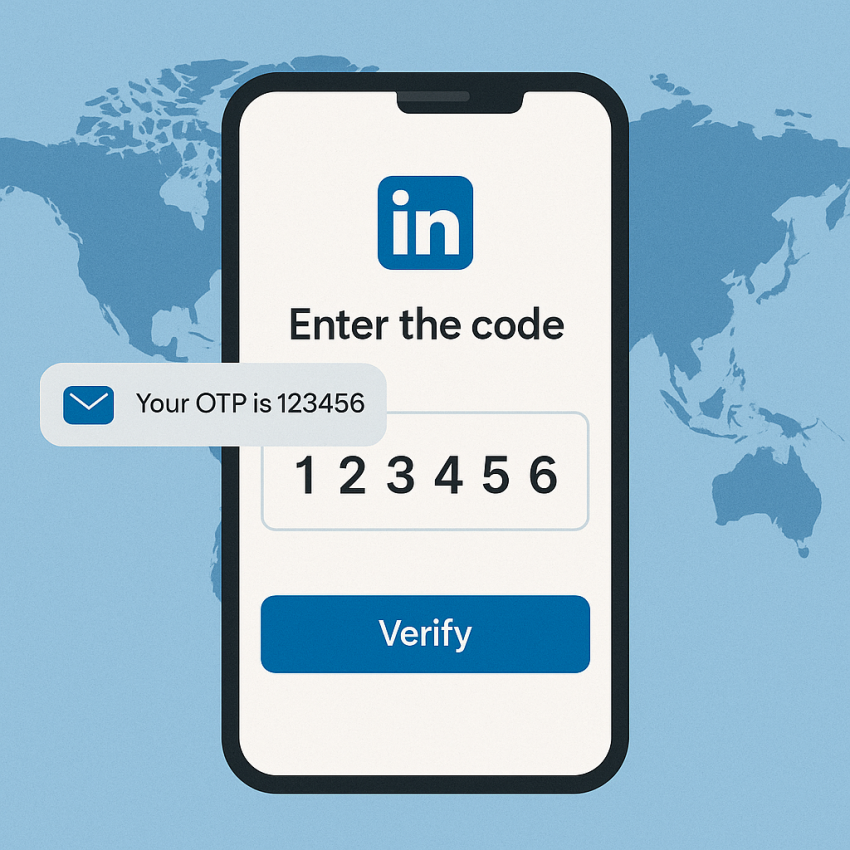

LinkedIn Verification via SMS Numbers
LinkedIn users worldwide rely on quick verification to access accounts, join networks, and recover passwords. With the LinkedIn service from SMSPVA, you can receive a temporary OTP via SMS to complete the verification without sharing your personal phone number. This approach helps protect your privacy while keeping your LinkedIn profile secure. Learn how the LinkedIn SMS service works, how to use it safely, and what to expect in terms of delivery times and costs. For broader online security, you can also check Google Safety and the LinkedIn page on Wikipedia.
TL;DR: Use SMSPVA’s LinkedIn service to receive OTPs quickly, securely, and without exposing your personal number.
TL;DR
- Receive LinkedIn OTPs via SMS for quick account verification.
- Protect privacy by avoiding personal numbers.
- Reliable delivery times and straightforward setup.
Why use the LinkedIn SMS verification service?
- Privacy: Keep your personal number private while verifying LinkedIn accounts.
- Security: OTP-based verification reduces risk of SIM swap and misuse.
- Convenience: Fast delivery and simple setup for LinkedIn verification.
- Flexibility: Works with multiple devices and locations.
When in doubt, verify the legitimacy of your verification process and refer to resources such as Google Safety and LinkedIn on Wikipedia.
How to use the LinkedIn SMS service
- Open the LinkedIn service page on SMSPVA: LinkedIn service.
- Enter the LinkedIn account email or the phone number you want to verify.
- Follow the on-screen prompts to start the verification flow.
- Wait for the OTP to arrive by SMS on the temporary number from SMSPVA.
- Enter the OTP on LinkedIn to complete the verification.
- Save or store the verification result securely and continue with your LinkedIn activity.
Table and troubleshooting
| Aspect | LinkedIn service | Alternative method |
|---|---|---|
| Delivery time | Minutes | Varies |
| Privacy | High – temporary number | Lower – personal number |
| Cost | Transparent pricing | Often higher |
If you face delays, check the status page or contact support. For broader online verification, you may also use external resources such as WhatsApp for alternative OTP channels or Google Safety.
Safe and legal use
Always use verification numbers in compliance with LinkedIn’s terms of service. Do not use the service for any unauthorized access or scraping activities. Ensure you have proper authorization to verify the account and never share OTPs publicly.
Frequently Asked Questions
Q: What is a LinkedIn SMS verification number?
A: It is a temporary number provided by SMSPVA to receive the OTP required to verify a LinkedIn account.
Q: Is it legal to use LinkedIn OTP numbers?
A: When used for legitimate verification and privacy, it typically complies with platform rules; always check local laws and LinkedIn terms.
Q: How fast is the OTP delivered?
A: Most OTP messages arrive within minutes, depending on network and carrier conditions.
Q: Can I reuse a number for multiple LinkedIn accounts?
A: Using a fresh number per verification is recommended to avoid security issues and policy violations.
Q: Is the LinkedIn service from SMSPVA secure?
A: SMSPVA uses temporary numbers and privacy protections; never disclose OTPs to others.
Q: Which countries are supported for LinkedIn verification?
A: Many countries are supported; check the LinkedIn service page for current availability and pricing.