

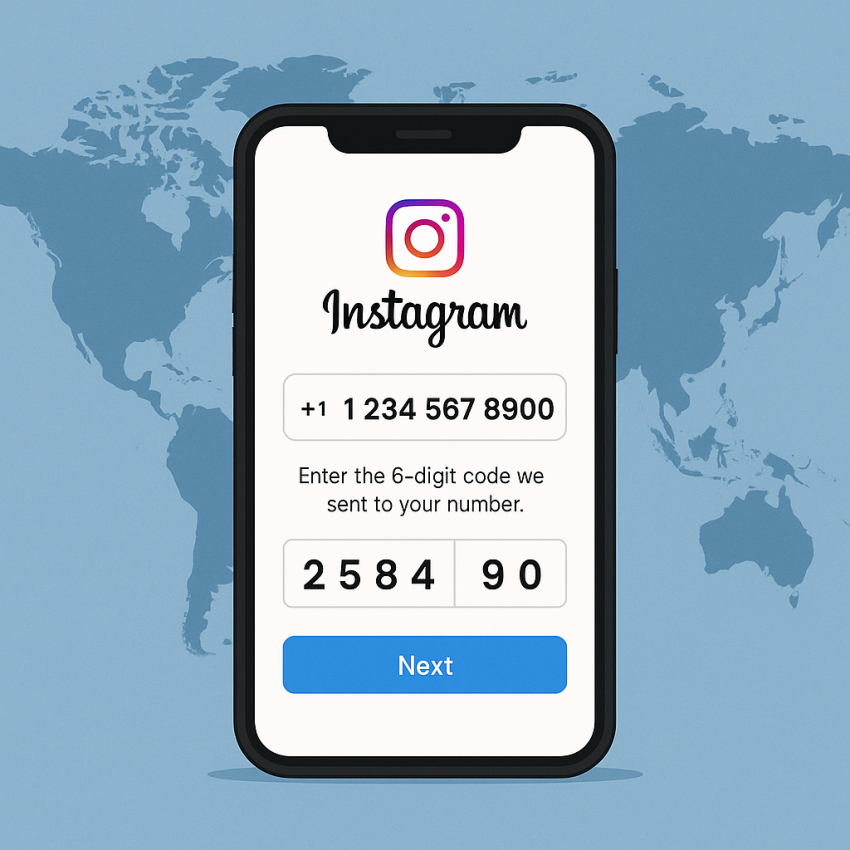

Instagram Verification with Virtual Numbers
Instagram is a widely used platform for sharing moments and business growth. This guide explains how a virtual number can help with verification on Instagram, using trusted services like SMSPVA to receive OTP codes securely.
For further context, you can explore Instagram on Wikipedia or official help resources like Instagram Help.
- Use a virtual number to protect your personal privacy when verifying Instagram accounts.
- Choose a reputable service like SMSPVA to receive OTP codes online.
- Always follow Instagram’s Terms of Service and local regulations.
- Check security practices to keep your data safe during verification.
Why use Instagram with virtual numbers?
Virtual numbers provide a layer of privacy and flexibility for developers, marketers, and testers who need to verify Instagram accounts without exposing personal phone numbers. They can simplify testing workflows, automate onboarding, and help teams manage multiple test accounts more securely. When you choose Instagram service on SMSPVA, you can receive OTPs directly to the number assigned by the platform. Security-conscious users also appreciate that virtual numbers can be rotated or discarded after use.
Note: Always verify that your use aligns with Instagram’s Terms of Service and applicable laws. For safety tips, visit Google Safety.
How to get an Instagram number for verification
- Open the Instagram service page on SMSPVA: https://smspva.com/service/instagram.
- Choose a suitable option for your region if available and proceed to obtain a virtual number.
- Complete the ordering steps and confirm your contact details as required by the service.
- Use the received number to initiate Instagram verification and enter the OTP when prompted.
- Once verification is complete, ensure you secure your account with strong passwords and two-factor authentication.
Table: Verification with virtual numbers — quick compare
| Scenario | Outcome | Notes |
|---|---|---|
| OTP delivery | OTP arrives to virtual number | Ensure the number is active and capable of receiving SMS |
| Delay or failure | Resend or retry verification | Check network and service status |
| Privacy | Personal number protected | Rotate numbers after use |
| Compliance | Must comply with Terms of Service | Verify local regulations |
Safe and legal use
- Only use virtual numbers from reputable providers like SMSPVA to avoid scams.
- Do not use virtual numbers for activities that violate Instagram’s Terms of Service.
- Protect OTPs and never share them with others.
- Regularly review connected apps and account privacy settings.
FAQ
A: A virtual number is a phone number that can receive SMS messages, including verification codes, without using your personal SIM.
A: In many regions this is allowed for testing or account verification, but always follow Instagram’s Terms of Service and local laws.
A: Yes, SMSPVA can provide a number that receives OTP codes intended for Instagram verification.
A: Check signal, retry, and ensure the number is active. Some delays are temporary and related to carrier routing.
A: Use credible providers, rotate numbers after use, and enable strong security settings on Instagram.
A: Visit SMSPVA help pages or contact support. External references: WhatsApp and Google Safety.