

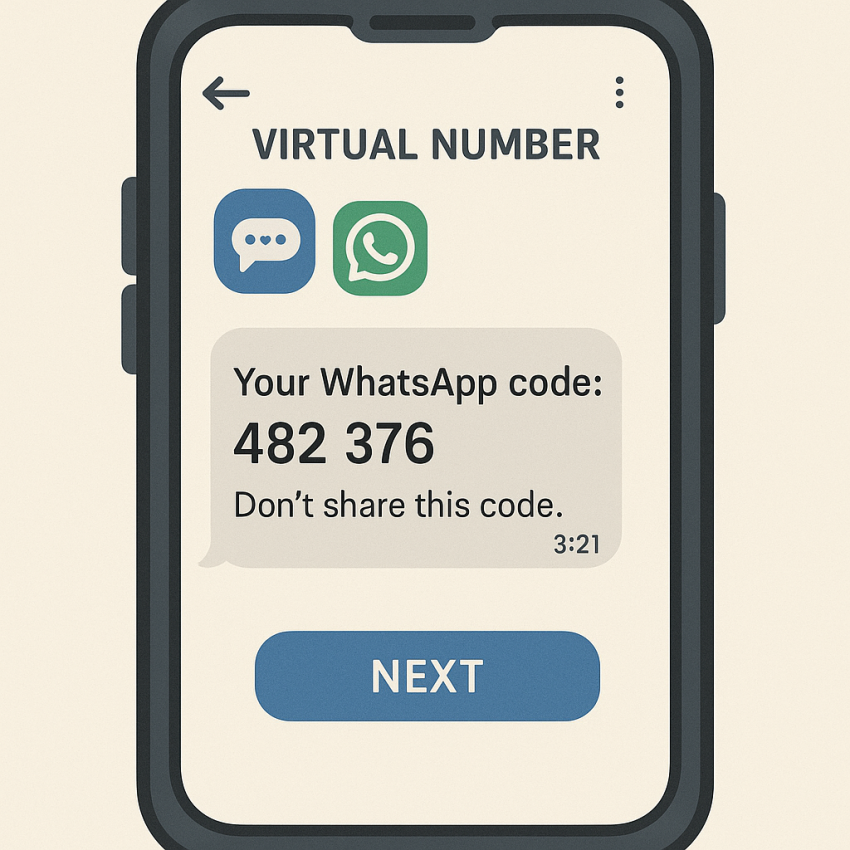

How to Use Virtual Numbers for WhatsApp Verification
How to use virtual numbers for WhatsApp verification is a common question for privacy-minded users and developers alike. This guide explains practical steps, safety tips, and best practices to verify WhatsApp accounts using virtual or disposable numbers from trusted providers like SMSPVA.
TL;DR
Virtual numbers offer a privacy-friendly way to verify WhatsApp without exposing your personal line. Use reputable services, follow local laws, and avoid sharing OTP codes with others.
- Choose a trusted provider and a suitable country for the number.
- Ensure the number can receive SMS reliably for OTP delivery.
- Respect the terms of service of WhatsApp and local regulations.
Why use virtual numbers for WhatsApp verification
Virtual numbers reduce contact exposure and help protect your privacy when signing up for services that require SMS verification. They’re useful for testing, automation, and personal privacy, but they must be used responsibly.
When you visit the main SMSPVA service page, you can explore options such as virtual-number service for WhatsApp-related verifications. You can also browse general information on the provider at SMSPVA home.
For broader context about verification codes and online security, see resources like WhatsApp official and Google Safety.
How to use virtual numbers for WhatsApp verification
- Choose a reputable virtual-number provider. Read reviews, check the uptime, and verify that the service explicitly supports WhatsApp verification.
- Pick a country/region for your number that aligns with WhatsApp availability and your needs.
- Register on the provider’s platform and obtain the virtual number assigned to your account.
- Open WhatsApp and start the signup or verification flow. Enter the virtual number when prompted for a phone number.
- Wait for the SMS OTP to arrive on the virtual number. If you don’t receive it, retry after a short delay or use a different number if the service allows it.
- Enter the OTP in WhatsApp to complete verification. Save the number securely for future use if allowed by the provider.
Remember to check the provider’s terms because some platforms restrict the use of virtual numbers for verification. For privacy and reliability, you may rely on OTP delivery time estimates and customer support from the provider.
Common issues and quick troubleshooting
| Issue | Cause | Solution |
|---|---|---|
| OTP not arriving | Carrier or SMS routing delays | Resend after a minute; verify the number is correct; check SMS reception. |
| Wrong country code | User error | Double-check the number format and country code. |
| WhatsApp bans the number | Use policy violations | Review WhatsApp terms; stop abusive activity. |
| Cannot complete verification | OTP expired | Restart the flow or request a new code. |
Safe and legal use
Always respect local laws and the terms of service of WhatsApp. Virtual numbers are useful for privacy, testing, and automation, but they should never be used for fraud or impersonation. If you are in doubt, consult a legal professional or the provider’s support team.
For more about online safety, visit Google Safety and consult official guidance on privacy practices on Wikipedia.
FAQ
What is a virtual number?
A virtual number is an online-dispatched telephone number that can receive SMS or calls but does not require a physical SIM card.
Can WhatsApp verification work with virtual numbers?
Yes, many providers support WhatsApp verification, but results can vary by country and provider.
Are virtual numbers free?
Most reliable services are paid or offer pay-as-you-go pricing. Always check the cost and any ongoing fees before subscribing.
How long can I use a virtual number?
It depends on the provider; some numbers are reusable, while others rotate. Review the terms for duration and reuse rules.
Is it legal to use virtual numbers for verification?
In most jurisdictions, using virtual numbers for legitimate verification is allowed, but privacy and fraud laws apply. Always comply with local rules.
What should I do if WhatsApp blocks a virtual number?
Contact the provider for guidance and consider using a different number if violations occurred.
Get started with SMSPVA
Explore the virtual-number options for WhatsApp verification and improve your account security today.