

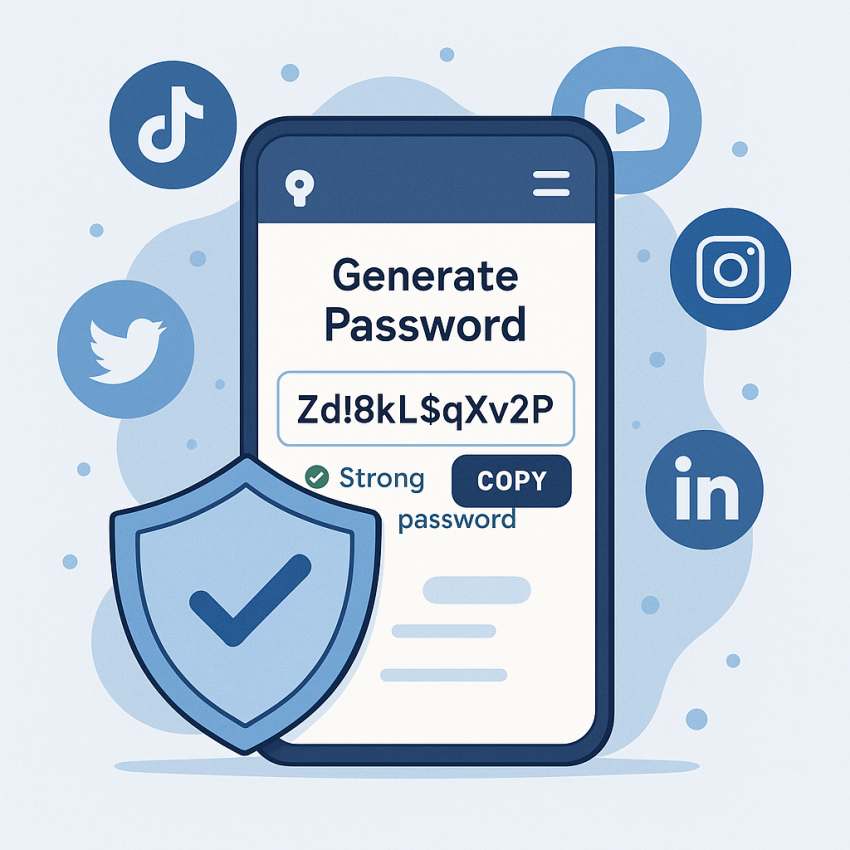

How to Create Secure Passwords for Social Media Accounts
How to create secure passwords for social media accounts is essential in today’s digital world. This guide shows practical steps to build strong, unique passwords and protect your profiles across platforms.
TL;DR
- Use unique, long passwords for every account.
- Prefer a reputable password manager to store them securely.
- Enable two-factor authentication (2FA) wherever possible.
- Avoid common patterns and personal data in passwords.
Why use strong passwords and MFA
Passwords protect your identity across social networks. Combined with MFA, they significantly reduce the risk of unauthorized access, data loss, and reputational harm. See security guidelines from experts like NIST SP 800-63B and OWASP password strength.
How to create secure passwords for social media accounts
- Set a minimum length of 12 characters and aim for 16+ where possible.
- Mix uppercase, lowercase, digits, and special characters.
- Use a unique password for each account; do not reuse across platforms.
- Prefer a password manager to generate and store complex passwords.
- Enable two-factor authentication (2FA) for extra protection.
- Regularly review account recovery options and update passwords if a breach is suspected.
Password strategies: table
| Aspect | Strong Passwords | Weak Passwords |
|---|---|---|
| Length | 12-16+ characters | 8-10 or shorter |
| Character variety | Uppercase, lowercase, digits, symbols | Limited set |
| Uniqueness | Unique per account | Reusable across sites |
| Storage | Stored securely in a password manager | Not secure, written down |
| Revalidation | Updated after breaches or annually | Rarely updated |
Safe and legal use
Always follow the terms of service of each platform and avoid phishing tricks or credential harvesting. For lawful security practices, refer to reputable sources like Wikipedia: Password and Google Safety: Passwords.
Frequently Asked Questions
What makes a password strong?
Length, complexity, unpredictability, and uniqueness across sites are key factors. A password manager can help you create and store strong passwords.
How long should a password be?
For most accounts, 12–16+ characters provides solid protection; longer is better for high-value accounts.
Are password managers safe?
When chosen carefully and used with a strong master password and 2FA, password managers are a secure way to store and generate passwords.
Should I reuse passwords?
No. Reusing passwords creates a single point of failure. Unique passwords per account are recommended.
What is MFA and why use it?
Multi-factor authentication adds a second verification step (like a code from your phone), substantially increasing account security.
How often should I update passwords after a breach?
Update affected passwords immediately after a breach is disclosed and consider enabling password monitoring services.
Get started
Take control of your security today with a strong password and MFA. Use our password generator to create unique passwords quickly.
Generate a strong password now Read password security guidelines