

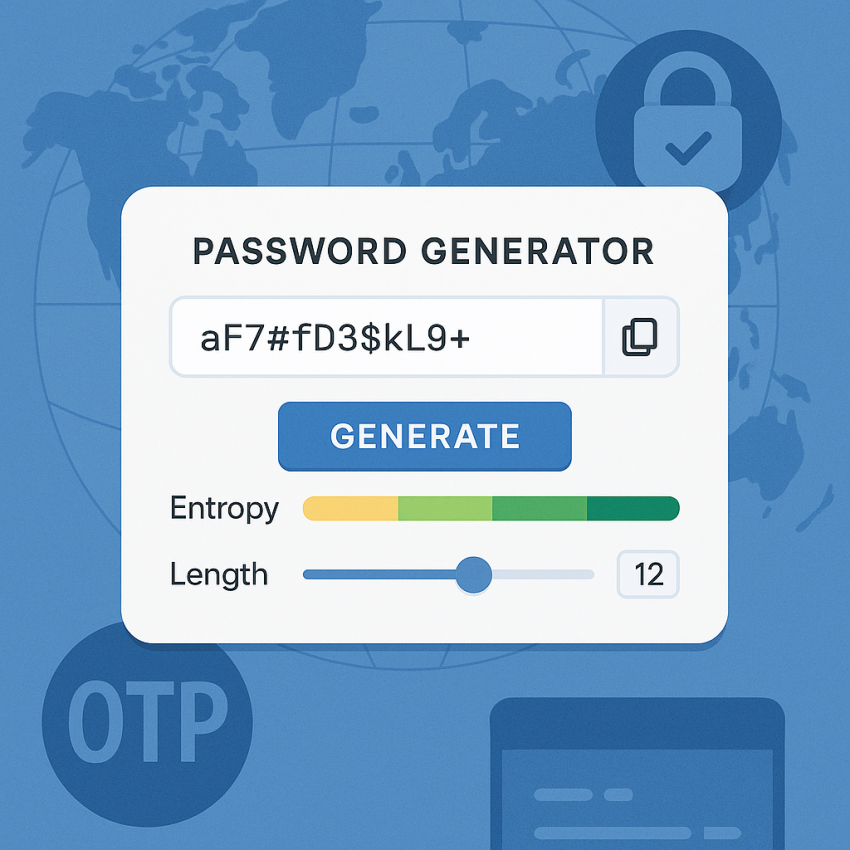
 GlobalPassword GeneratorOTP-ready
How to Generate Passwords That Pass Security Checks
How to generate passwords that pass security checks is a common concern for anyone managing online accounts. This guide explains practical steps to create strong, unique passwords that meet modern security checks while staying memorable.
TL;DR
- Aim for length, complexity, and unpredictability.
- Use a trusted password manager to store and autofill.
- Avoid reusing passwords across services.
- Combine random characters with memorable phrases using passphrases.
Why use a strong password that passes security checks
Strong passwords reduce the risk of unauthorized access. When you follow best practices, you ensure that your passwords pass typical security checks used by websites and apps, such as length, variety of characters, and resistance to common attack patterns. For more guidance, you can consult Google Security guidelines and reputable encyclopedic resources on Wikipedia.
How to generate passwords that pass security checks
- Define the requirements: minimum length, character variety, and expiration policy if applicable.
- Use a password manager to generate and store unique passwords for each service.
- Prefer cryptographically secure generators (for example, built into password managers) over ad-hoc methods.
- Avoid predictable patterns, such as keyboard sequences or common substitutions.
- Test password strength using reputable tools and ensure it clears security checks on major platforms.
- Regularly review and rotate passwords in a safe way.
Comparison and troubleshooting
| Aspect | Recommendation |
|---|---|
| Minimum length | At least 12-16 characters for most sites |
| Character set | Uppercase, lowercase, digits, symbols |
| Avoid reuse | Unique per service |
| Storage | Use a reputable password manager |
Safe and legal use
Use password generation to protect your accounts, not to access others’ data. Do not attempt to bypass security checks on systems you do not own or have permission to test. Always comply with laws and terms of service. For more legal guidance, consult official resources like Wikipedia: Computer Security and Google Security.
FAQ
- What makes a password pass security checks?
A password passes security checks when it is long, unpredictable, and unique to each account, meeting the site’s rules for length and character variety.
- Should I generate passwords automatically?
Yes, using a password manager ensures randomness and avoids reuse across services.
- Are there risks with password generators?
If you store or transmit passwords insecurely, or use weak sources, risks arise. Always rely on trusted tools and protect your vault with MFA.
- How long should a password be?
Most platforms recommend 12-16 characters; longer is generally better for security.
- Is it safe to reuse any password?
Reusing passwords dramatically increases risk. Treat each account with a unique password.
- How can I test if a password passes checks?
Test using reputable password strength meters and ensure it meets the site’s policy before saving it in your manager.
External resources: Google Security, Password – Wikipedia, WhatsApp, Signal, Telegram