

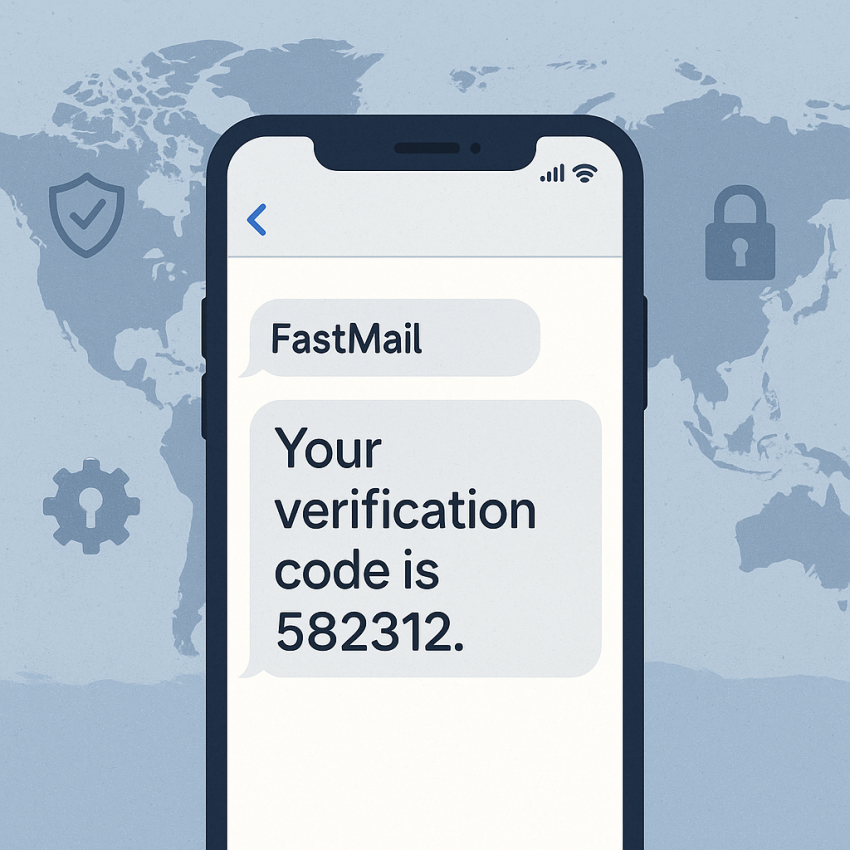

FastMail Verification with SMS Numbers
FastMail verification can be streamlined using temporary SMS numbers from SMSPVA. This guide explains how to verify your FastMail account safely and privately, using trusted SMS numbers for one-time codes.
TL;DR
- Receive FastMail verification codes via trusted SMS numbers from SMSPVA.
- Choose a number suitable for your verification flow and privacy needs.
- Follow legal and privacy guidelines when using temporary numbers.
Why use FastMail with SMS Numbers?
FastMail is known for reliability and privacy. When signing up, you may encounter verification steps that require a mobile number. A temporary SMS number from SMSPVA helps protect your personal contact details while still enabling verification. This approach can be useful for testers, developers, or anyone managing multiple accounts without exposing their primary number.
For additional guidance on online security practices, you can explore WhatsApp for messaging verification tips and Google Security for general safety recommendations. Learn more about similar services on Wikipedia.
How to verify FastMail using SMS numbers
- Open the FastMail signup page and proceed to the phone verification step.
- On SMSPVA, select the FastMail service and choose an available temporary number (Global or country-specific if supported).
- Enter the received SMS verification code into the FastMail signup form.
- Complete the signup and securely store your account details.
- After verification, manage or release the number as needed from your SMSPVA dashboard.
Comparison and troubleshooting
| Aspect | Temporary SMS Number | Permanent Number |
|---|---|---|
| Privacy | Often higher privacy, numbers may be recycled | Linked to your identity |
| Delivery | Usually instant to verify | Consistent delivery by provider |
| Cost | Pay-per-use | Subscription-based or per-number |
Safe and legal use
Always ensure you have permission to use any phone number for verification. Do not use numbers to impersonate others or bypass terms of service. Use temporary numbers only for legitimate testing, onboarding, or privacy-conscious workflows as allowed by FastMail’s policies and local laws.
FAQ
What is FastMail?
FastMail is a privacy-focused email service that prioritizes speed, security, and reliability for personal and business use.
Can I use a temporary SMS number for FastMail verification?
Yes, you can use a temporary SMS number from SMSPVA to receive the verification code, as long as this complies with FastMail policies and local laws.
Is it legal and safe to use SMS numbers for verification?
When used for legitimate testing or onboarding with proper consent and in accordance with terms of service and local regulations, it is generally acceptable.
How do I manage the temporary number after verification?
Most providers let you release or reuse the number after verification. Check your SMSPVA dashboard for lifecycle controls.
Where can I learn more about FastMail security?
Visit the official FastMail support pages or consult Google Security guidelines for general online account safety.
Get started with FastMail verification
Ready to verify your FastMail account using SMS numbers from SMSPVA? Visit the service page or explore free numbers to test the flow.