

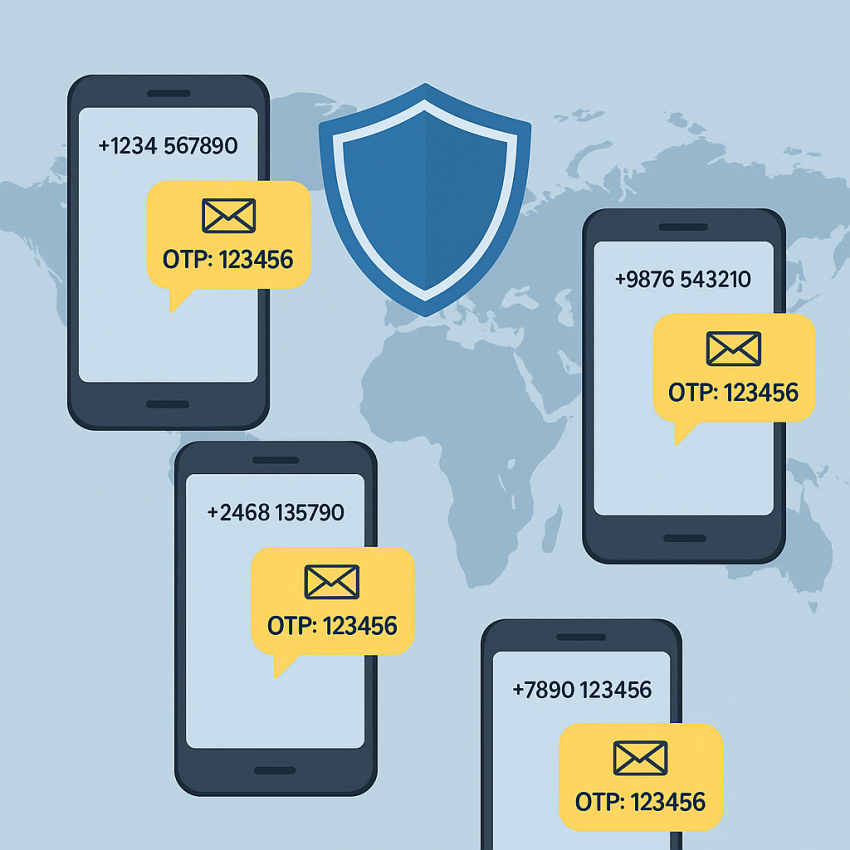
 Global
Virtual Numbers
OTP
Global
Virtual Numbers
OTP
How to create multiple accounts safely using virtual numbers
If you need to learn how to create multiple accounts safely using virtual numbers, you’ll want a reliable provider, clear policy awareness, and careful number management. Virtual numbers let you receive verification codes without exposing your personal line, but success depends on choosing a trusted service and following best practices. For more on the concept, you can read about virtual numbers on Wikipedia.
Outgoing options from SMSPVA include handy tools like free phone numbers and random-number generation, which are useful for testing and project onboarding. Remember to use numbers responsibly and respect each platform’s terms of service.
Why use virtual numbers for multiple accounts?
Virtual numbers provide privacy and flexibility when you need distinct verification channels. They are particularly useful for development, testing, or legitimate business scenarios where you must separate personal identity from account creation. When used responsibly, virtual numbers help you protect personal data and control access to multiple services. For a broader overview, see one-time passwords and related security concepts.
External resources like WhatsApp and security guides from Google Safety can help you understand verification workflows and best practices.
How to create multiple accounts safely using virtual numbers
- Choose a reputable provider. Start with a trusted service like SMSPVA to ensure reliable delivery and access to verification codes. Check reviews and policy details before committing.
- Register and select a virtual number. Obtain a number suitable for the platform you are testing. Ensure the number is not linked to your personal identity.
- Verify accounts on target services. Use the received OTP carefully and avoid repeating numbers on sensitive accounts. If a platform blocks a lot of reuse, rotate numbers and respect rate limits.
- Manage numbers securely. Maintain a simple mapping of which number verifies which account. Use a secure note or a dedicated tool to keep track without exposing data publicly.
- Monitor terms and compliance. Always read the terms of service for each platform. Avoid automating or abusing verification to create fake or misleading accounts. For testing, you may also explore random-number options.
- Withdraw or close unused numbers. When a number is no longer needed, release it or stop using it to prevent accidental association with your real identity.
Table: Approaches and best practices
| Use case | Approach | Best practices |
|---|---|---|
| Development and testing | Use virtual numbers for signup flows and OTP tests. | Rotate numbers between test runs; document test cases. |
| Onboarding new teams | Assign separate numbers per team/channel. | Keep a clear log; avoid sharing numbers across sensitive accounts. |
| Privacy protection | Use numbers that are not tied to personal data. | Review provider terms; do not use for illegal activities. |
Safe and legal use
Always comply with local laws and the terms of service of each platform. Virtual numbers are a tool for privacy and legitimate testing, not a means to evade enforcement or create deceptive identities. If in doubt, consult a legal advisor about privacy and verification practices.
FAQ
Virtual numbers are phone numbers not tied to a physical SIM. They allow receiving SMS for verification. Using them for multiple accounts helps privacy and testing when done within terms of service.
When performed responsibly and legally, with compliant providers and clear data handling, it can be safe. Avoid abusing verification systems or violating platform policies.
Most services send OTPs to any reachable number, but some apps block numbers from known providers. Test with a variety of numbers and respect rate limits.
Look for provider transparency, clear terms, uptime, and user reviews. SMSPVA is referenced here as a tested option for testing and verification needs.
Avoid reusing numbers across many high-risk accounts, bypassing platform rules, or sharing numbers publicly. Keep personal data private and comply with laws.
Check official security guides from Google Safety and general information on OTP practices at Google Safety and OTP basics.