

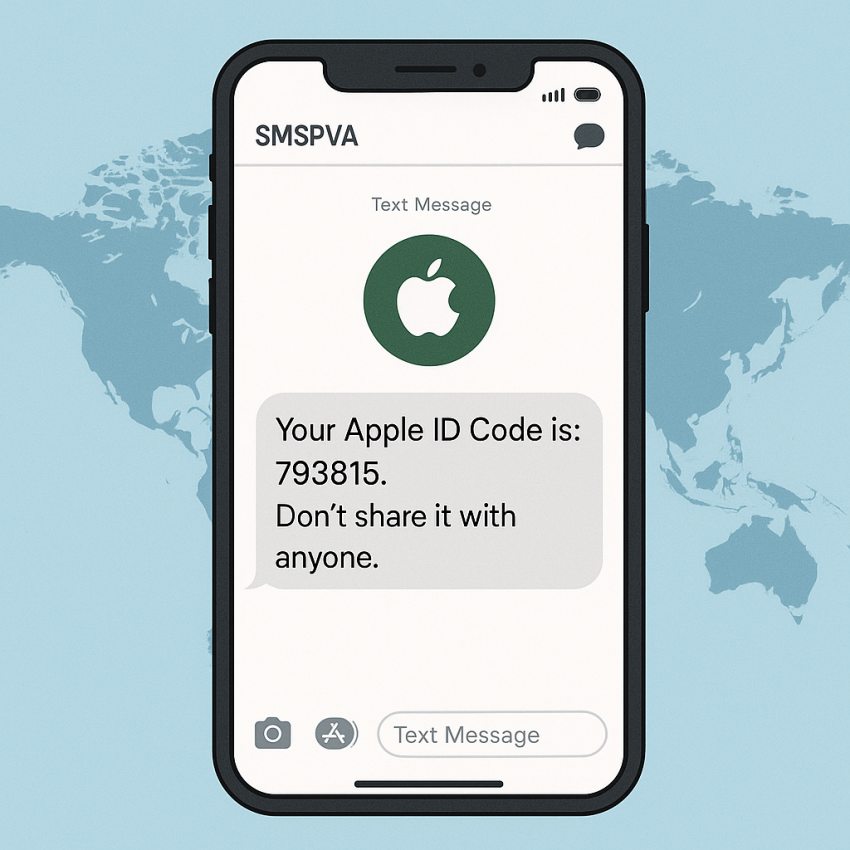

Apple SMS Verification: Using SMSPVA for OTP Codes
Apple verification codes are often sent via SMS to confirm login attempts, device activations, or account changes. With SMSPVA, you can obtain temporary numbers to receive these OTP messages, helping you keep your personal number private while still completing Apple verification steps.
TL;DR
- Receive Apple OTP messages using temporary numbers from SMSPVA.
- Protect your privacy during Apple ID verifications and sign-ins.
- Access global coverage with easy setup and quick delivery.
Why use Apple numbers from SMSPVA
Using a dedicated Apple verification number from SMSPVA gives you control over OTP reception, reduces exposure of your real phone, and supports privacy while staying within the terms of most online services. The temporary numbers are convenient for multi-device setups and testing new Apple accounts without exposing your primary line.
How to use Apple numbers for OTP verification
- Open the Apple service page on SMSPVA: Apple service on SMSPVA.
- When prompted for a phone number, select a temporary virtual number from the Apple options.
- Request the OTP from the Apple verification screen; the code should arrive within moments on the chosen number.
- Enter the OTP in the Apple form to complete verification.
- Repeat as needed for additional verifications or devices.
Table: quick comparison
| Aspect | Apple via SMSPVA | Notes |
|---|---|---|
| Delivery speed | Seconds to minutes | Depends on network and carrier routing |
| Privacy | High | Temporary numbers help protect your real number |
| Availability | Global | Supports multiple regions |
Safe and legal use
Use Apple numbers from SMSPVA for legitimate verification, testing, and privacy protection. Always adhere to Apple’s terms of service and local laws. Do not use temporary numbers to impersonate others or to bypass security controls in ways that violate terms. For security resources, visit Google Safety and official sources such as Apple.
FAQ
What is SMSPVA?
SMSPVA provides temporary virtual numbers to receive SMS, used for OTP verifications and account setups.
Is it legal to use Apple numbers from SMSPVA?
Yes, if you comply with the terms of service of Apple and SMSPVA and applicable laws.
Can I reuse a number for multiple Apple accounts?
Reusing the same number for multiple accounts may violate terms; use unique numbers when possible.
How fast are OTPs delivered?
OTPs usually arrive within seconds, depending on network conditions.
What should I do if I don’t receive an OTP?
Check the number, retry, or contact SMSPVA support if needed.