
Skip to content
smsPva

SmsPVA blog – News of the registration world, reviews, tips for registering services

Explore the latest news of the world of registration on the SmsPVA blog: reviews, tips for registering on various services and up-to-date information. Stay up to date with the changes and learn useful tips for successful registration in online services.

Menu
  • Main
  • Rent numbers
  • Receive SMS online
  • Help
  • English
    • English
    • Español
    • 中文 (中国)
    • العربية
    • Français
    • Deutsch
    • Türkçe
    • Italiano
    • Polski
    • Tiếng Việt
    • 日本語
    • Português
Menu

Home page » IT Life Hacks » How to register a Tinder account without a phone number?

How to register a Tinder account without a phone number?

Posted on 21.08.202421.08.2024 by IraSmsPva

Registering an account on Tinder, a popular platform for using an account for dating, finding a soulmate and friends, usually requires confirmation via cell phone. However, not all users can use their personal phone number for this purpose. In such cases, you can use number rental services. In this article, we will take a detailed look at the process of registering an account on Tinder using number rental service.

Step 1: Registering on the number rental service smspva.com

After registering on the license plate rental service, follow the steps below:

  1. Log in to your account on the license plate rental service.
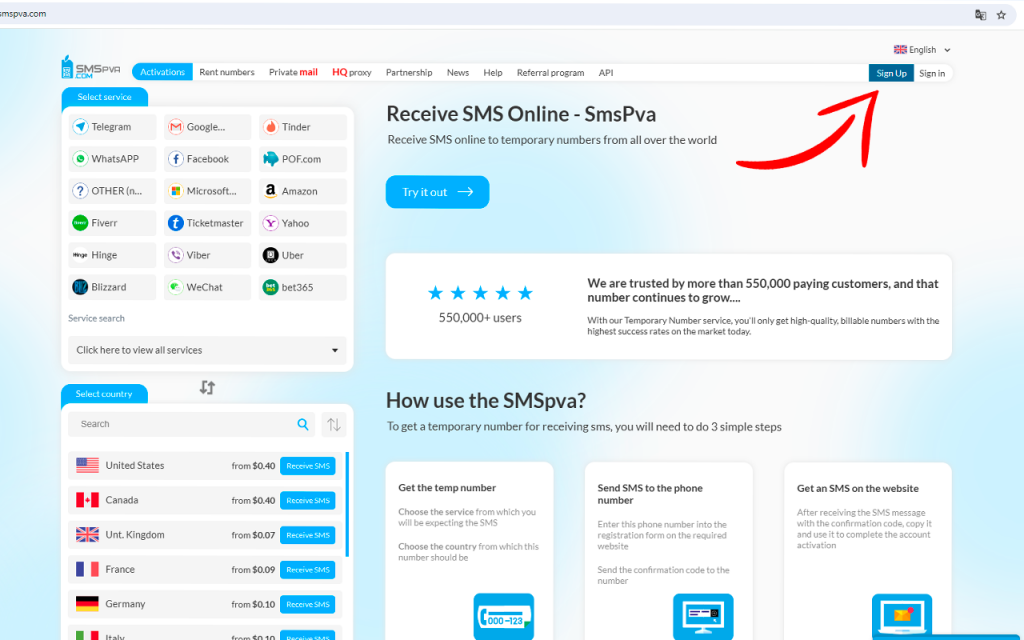
  1. Go to smspva.com.
  2. Select the country whose number you want to rent.
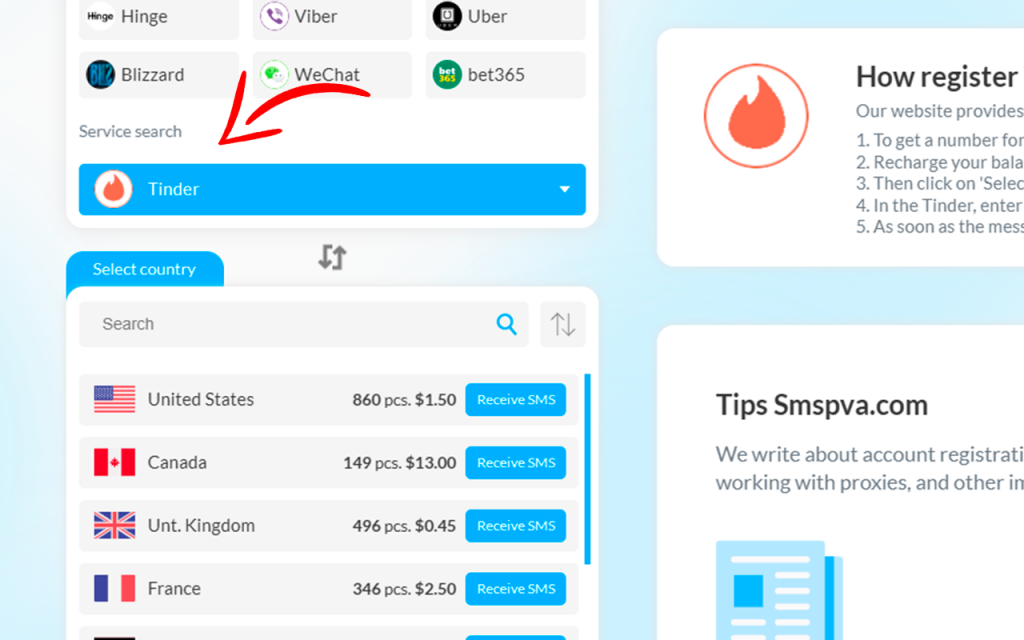
  1. Specify the service for which you need the number.
  2. Get a temporary number that will be used to sign up for Tinder.

Step 2: Sign up for Tinder

Now that you have a temporary number, you can register an account on Tinder:

  1. Go to the Tinder website.
  2. Click the “Sign in” button and select “Create an account.”
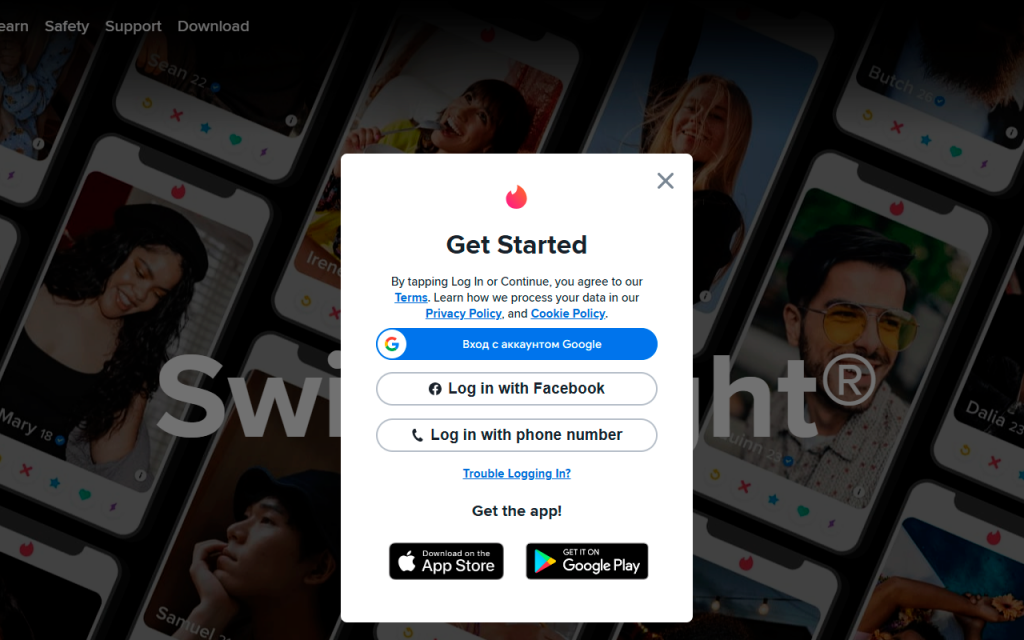
  1. Enter your email address and create a password.
  2. In the cell phone confirmation step, enter the temporary number you received from the rental service.
  3. Wait for an SMS with a confirmation code to the rented number.
  4. Enter the confirmation code in the appropriate field on the Tinder website.

Step 3: Finalize your registration

After entering the confirmation code, your Tinder account will be successfully created. You will now be able to use all the features of the platform.

Conclusion

Registering an account on Tinder using a number rental service is an easy and convenient way to create an account without revealing your personal phone number. By following these steps, you will be able to quickly register on the popular gaming platform and enjoy all its benefits.

Post Views: 637
Receive SMS Online — Start now START NOW

Recent Entries

  • Rent French Phone Numbers for Social Media Verification
  • LAPOSTE Service for SMS Verification
  • Rent UK phone numbers for Amazon seller verification
  • Cashrewards: Secure Online Verification with SMSPVA
  • Happn: Temporary Numbers for OTP Verification

You may like

  • How to use Yahoo! account without a phone number?
  • How to use Ticketmaster account without a phone number?
  • Microsoft Account Login Verification in Egypt
  • Is it possible to register on Amazon without a phone number?
  • Amazon Seller Verification in Brazil: sms-activate.io Alternative

Close

Your SMS code is ready — grab it now.

Instant real and virtual numbers with guaranteed delivery.

No queues, no limits — just pick a service and get your SMS code in seconds.

Get SMS Now ⚡

©2025 SmsPVA blog – News of the registration world, reviews, tips for registering services | Built using WordPress and Responsive Blogily theme by Superb