

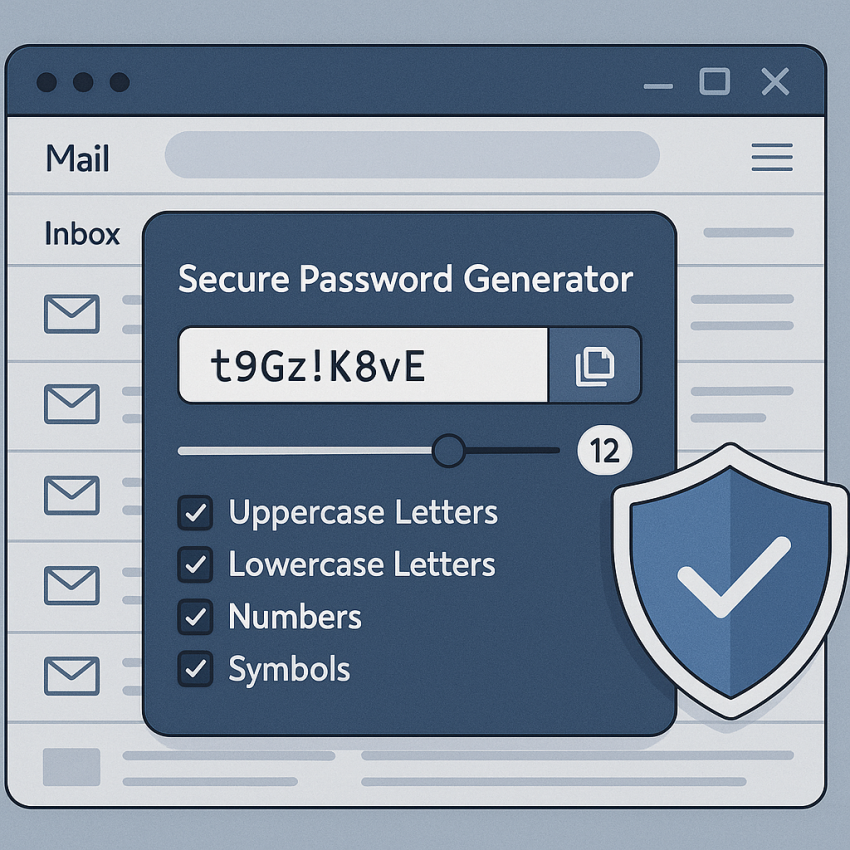

How to Generate Secure Passwords for Email Accounts
How to generate secure passwords for email accounts is essential for protecting sensitive communications, login integrity, and your digital privacy. A strong password acts as the first barrier against brute force attacks and phishing attempts.
TL;DR
Use long, unique passwords or random passwords, store them in a password manager, and enable multi-factor authentication (MFA). For a quick start, try our password generator at SMSPVA password generator.
Why use secure passwords?
Secure passwords prevent unauthorized access to your email, protect personal data, and reduce the risk of identity theft. For quick references on password safety, see Google Safety: Passwords and Wikipedia: Password.
How to generate secure passwords for email accounts
- Aim for 14+ characters. Longer passwords are harder to crack by brute force.
- Mix uppercase, lowercase, digits, and symbols to increase entropy.
- Consider passphrases: a sequence of random words separated by symbols (e.g., correct-horse-battery-staple).
- Avoid obvious patterns, like repeating digits or keyboard sequences.
- Use a password manager to generate and store complex passwords securely.
- Enable multi-factor authentication (MFA) wherever possible for email accounts.
- Test and rotate: periodically review passwords and replace compromised ones.
If you want a quick, trustworthy option, visit our password generator and explore best practices described in our Password Security Blog.
Strength and practicality: quick comparison
| Strategy | Strength | Best Use |
|---|---|---|
| Randomly generated password | High | High-security emails and critical accounts |
| Passphrase (random words with separators) | Medium-High | Accessible yet strong for everyday use |
| Pattern-based password (common words, dates) | Low | Not recommended for primary emails |
Safe and legal use
Always respect privacy, comply with terms of service, and avoid sharing passwords. Use official password managers and only generate passwords for accounts you control.
For more on responsible password practices, see Wikipedia: Password and the official guidelines at NIST SP 800-63B Password Guidelines.
FAQ
What makes a password secure?
A secure password is long, uses a mix of character types, is unique to one account, and avoids common words or patterns.
How long should a password be?
For most accounts, 14+ characters is a strong baseline; more is better for critical services.
Should I use a passphrase?
Yes. Passphrases can be easier to remember and can achieve high entropy when composed of random words and separators.
Are password managers safe?
Yes, when you choose reputable managers and use MFA to protect the vault.
Is reusing passwords a bad idea?
Reusing passwords across services increases risk; if one service is breached, others can be compromised.
What about MFA?
Enabling MFA adds a second verification step, greatly reducing the chance of unauthorized access.
Need more guidance? Visit our main password page for hands-on tools and tips: https://smspva.com/generate-password.html.