

 Remote Work
Security
Freelancers
Remote Work
Security
Freelancers
Best Password Practices for Remote Work and Freelancers
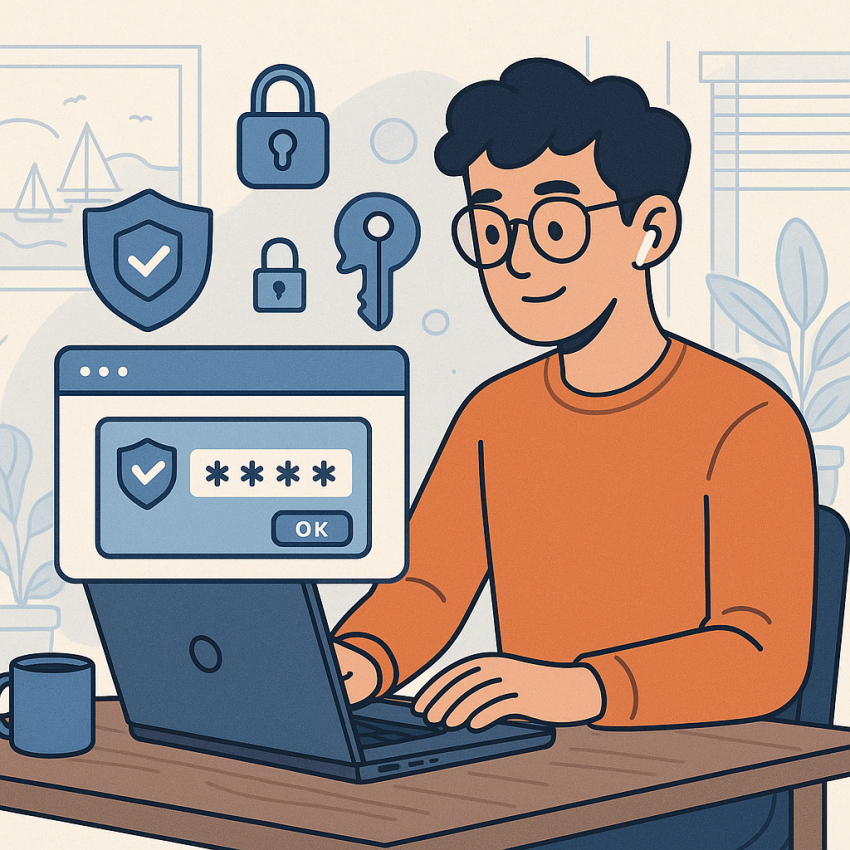
Best password practices for remote work and freelancers help protect accounts, data, and client trust in today’s distributed work environment. In this article, we explore how to create strong passwords, store them securely, and use multi-factor authentication (MFA).
TL;DR
- Use a reputable password manager to store and autofill credentials securely
- Enable MFA (two-factor authentication) on all critical accounts
- Avoid reusing passwords across services and clients
- Create passphrases that are easy to remember but hard to guess
Why use strong passwords for remote work?
Passwords are the first line of defense for remote workers and freelancers dealing with client data, emails, and project management tools. A weak password can lead to unauthorized access, data leakage, and reputational damage. By following best practices, you reduce risk and increase trust with clients and teammates.
How to implement best practices
- Choose a password manager you trust and enable it across all devices used for work.
- Use long passphrases, mixing words, numbers, and symbols, rather than short, complex passwords.
- Enable MFA (where available) using authenticator apps or hardware keys.
- Never reuse passwords across multiple clients or services even if they seem similar.
- Update passwords promptly after any known breach and review access regularly.
- Store sensitive credentials securely—avoid writing them on sticky notes or in plain text files.
- Share passwords securely using encrypted channels or password managers with sharing features.
Common approaches: quick comparison
| Strategy | Benefits |
|---|---|
| Password Manager | Stores unique credentials, auto-fills, reduces reuse. |
| Two-Factor Authentication | Additional barrier even if password is compromised. |
| Strong Passphrases | Memorable yet hard to guess; easier to recall than random strings. |
| Regular Audits | Identifies reused or weak passwords and breaches quickly. |
Safe and legal use
Always follow your client’s data handling rules and the applicable laws in your country. Use password managers responsibly and avoid sharing credentials in plain text. For more on safe security practices, see trusted sources such as Wikipedia: Password and the Google Safety resources at Google Safety – Passwords.
FAQ
- What makes a password strong for remote work?
- A strong password is long, unique, and unpredictable. Use a passphrase or a password manager-generated string, and avoid common words.
- Should I reuse passwords for different clients?
- No. Reusing passwords increases risk if any one service is breached. Use a unique credential per client or service.
- How often should I change passwords?
- Change passwords after suspected compromise, or at least every 6-12 months for high-risk accounts.
- What is MFA and why is it important?
- MFA adds a second factor (like an authenticator app or hardware key) to your login, greatly reducing the chance of unauthorized access.
- Can I store passwords on my phone or browser?
- Use a dedicated password manager across devices. Browsers can store passwords but are less secure and sync inconsistently.
- How do I securely share passwords with clients?
- Share credentials through encrypted channels or password-manager sharing features rather than plain text.
Get started
Protect your remote work workflow today with strong passwords and MFA. Generate a password or learn more about password security on our site.
Generate a password Password security resources