

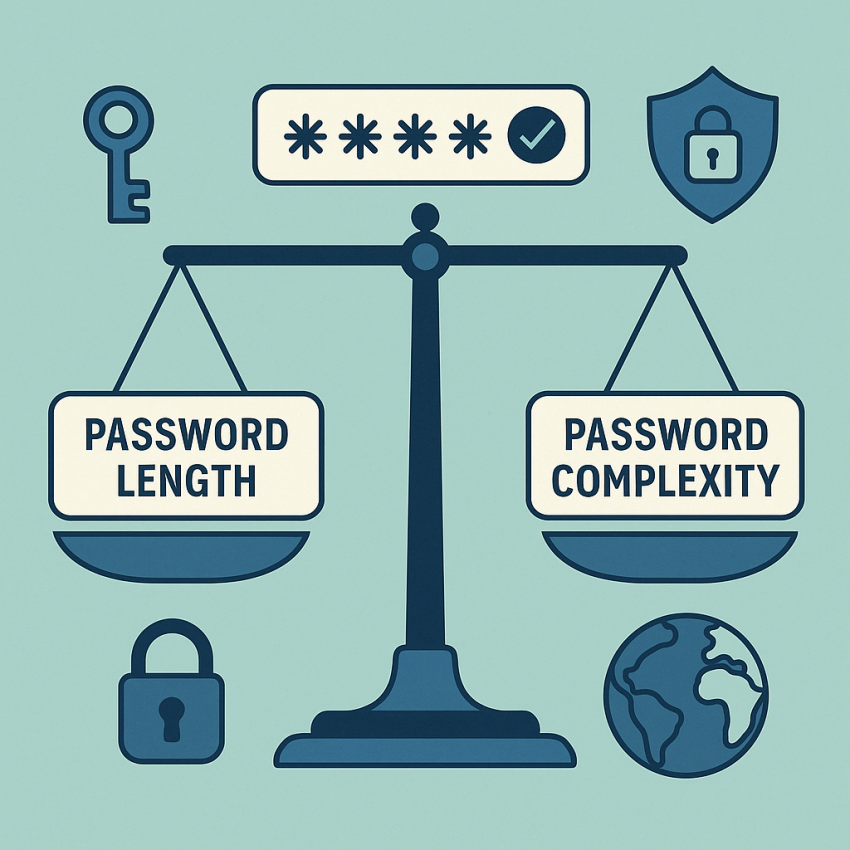

Password length vs complexity: what really matters
Password length vs complexity: what really matters is a frequent topic in security discussions. In practice, the balance between password length and character variety determines how hard it is to crack a credential. This article explains why length often matters more than heavy gimmicks, and how to combine it with modern protections like MFA and password managers to maximize security.
TL;DR
Summary
- Long passwords and passphrases generally resist offline brute-force attacks better than short, complex strings.
- Beyond a certain length, the benefit of adding special characters diminishes; MFA adds a much stronger layer.
- Use a password manager to generate and store unique, long passwords for every service.
Why use password length as a security metric?
Length increases the size of the key space exponentially. For offline attacks, an attacker can try all possible combinations of a short password much faster than the same number of characters in a longer passphrase. In many cases, a 15–20 character passphrase can be dramatically harder to crack than a 12-character password that relies on frequent substitutions. For practical security, prioritize length while avoiding predictable patterns.
For additional protection, enable multi-factor authentication (MFA). Even if an attacker guesses a password, MFA often blocks access without the second factor. Learn more about MFA benefits at Google Security and how passwords fit into a layered defense with Wikipedia: Password.
How to balance length and complexity
- Prefer long passphrases over short, symbol-heavy strings. Aim for 14–20+ characters where possible.
- Use unique passwords for every service; a password manager can help generate and store them securely.
- Enable MFA (e.g., authenticator app or hardware key) for critical accounts.
- Avoid reuse, common phrases, and obvious substitutions (P@ssw0rd is not enough).
- Regularly review security settings and revoke access for unused devices.
How to generate strong passwords
Consider using a trusted generator to create long, random passwords or passphrases. You can also rely on a reputable password manager to create and autofill credentials. If you prefer manual methods, combine a memorable phrase with numbers and a few unrelated symbols, then lengthen it to at least 16 characters.
Table: comparison — length-focused vs complexity-focused approaches
| Aspect | Length-focused | Complexity-focused | Best practice |
|---|---|---|---|
| Brute-force resistance | High with 16+ chars | Depends on entropy per char | Long, unique passwords + MFA |
| User memorability | Better with passphrases | Low if random | Use a manager for long strings |
| Challenging if changed often | Better if not changed frequently | One-time setup + MFA |
Safe and legal use
Follow best practices: don’t share passwords, don’t reuse them across critical accounts, and store them only in secure managers. For online verification needs, avoid exposing passwords in insecure channels. See official guidance on password hygiene and safeguarding user data on reputable sources such as Google Security and Wikipedia.
FAQ
Q1: Is password length more important than complexity?
A1: In many scenarios, yes. Longer passwords increase the key space and make offline attacks harder. Complexity helps, but after a point, adding length yields diminishing returns without MFA.
Q2: Can I rely on length alone?
A2: Not entirely. Length is crucial, but combining length with unique usage per service and MFA provides a stronger defense against credential theft.
Q3: How long should a password be?
A3: For casual accounts, 14–16 characters can be enough; for high-value accounts, 20+ characters or a passphrase is recommended, especially when used with MFA.
Q4: Do passphrases degrade security?
A4: No. Passphrases that are long and unpredictable are generally more secure and easier to remember than short, complex strings with substitutions.
Q5: What about MFA?
A5: MFA dramatically improves security because it requires a second factor. Even if a password is compromised, access is often blocked without the second factor.
Q6: Are password managers safe?
A6: When used correctly, password managers are a safe and convenient way to store long, unique passwords. Choose a reputable tool and enable master password protection and MFA.
Conclusion & next steps
Remember that Password length vs complexity: what really matters is not a single rule but a framework. Prioritize long, unique passwords, enable MFA, and use a trusted password manager to maintain security across services. Start by generating a strong password now and enabling 2FA on your critical accounts.