

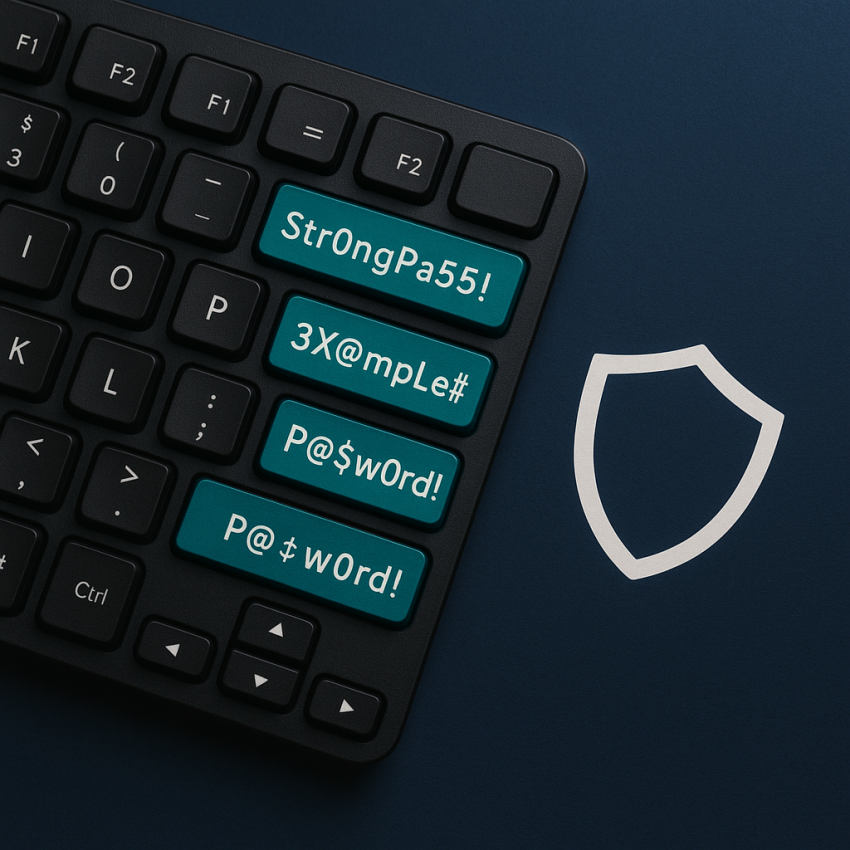

Strong Password Examples and Why They Work
Strong password examples and why they work are essential for protecting online accounts. In this guide we explore patterns that create resilient passwords and explain why password managers are often the best solution for everyday security.
Use long passwords with a mix of uppercase, lowercase, numbers, and symbols. Prefer passphrases or randomly generated strings. Store them in a reputable password manager and enable two-factor authentication (2FA) wherever possible.
Why use strong passwords
Strong passwords reduce the risk of brute-force attacks and credential stuffing. They make it harder for attackers to guess or reuse stolen data. For example, a typical weak password like Password123 is easy to crack, while a strong approach combines length and character variety. This is why you often see examples labeled as strong password examples and why they work in security guides.
How to build strong passwords
- Aim for 12+ characters in length.
- Mix uppercase and lowercase letters.
- Include numbers and symbols for additional complexity.
- Consider using a passphrase or a random string: avoid common words in sequence.
- Use a password manager to store unique passwords for each service.
- Enable two-factor authentication (2FA) wherever possible.
Weak vs strong: quick comparison
| Weak Password Example | Why it’s weak | Strong Password Example |
|---|---|---|
| Password123 | Common pattern; easily guessed or brute-forced | CorrectHorseBatteryStaple42! |
| P@ssword | Derived from a common word; predictable substitutions | Blue!Sky7&Forest9#River |
| abcdef | Only lowercase letters; short | m9!Qv7$Lx2&rR |
Safe and legal use
Always follow the terms of service of each platform. Do not attempt to bypass security or steal credentials. Use legitimate password generation tools from trusted providers, keep your password manager updated, and back up access methods (e.g., recovery codes). For reference, see reputable security sources such as Google Passwords Security and OWASP Password Strength Estimation.
FAQ
- What makes a password strong?
- A strong password is long, uses a mix of uppercase and lowercase letters, numbers, and symbols, and is unique for each account.
- Are passphrases better than random strings?
- Passphrases can be easier to remember and can be just as strong if long and diverse enough. A well-chosen passphrase like correct-horse-battery-staple with added numbers or symbols can be highly effective.
- How long should a password be?
- For most accounts, aim for 12–16 characters or more. Longer passwords generally increase security.
- Should I rotate passwords regularly?
- Only rotate passwords when there is a suspected compromise. For routine security, use unique passwords and a password manager to avoid reuse.
- Do I need a password manager?
- Yes. A password manager helps generate and store unique, strong passwords, reducing the risk of reuse across services.
- How can I test password strength?
- Use trusted online tools from reputable sources or rely on built-in checks in password managers. Avoid submitting real passwords to untrusted sites.
For more in-depth guidance, see our infostrat page: Password Security.